
GPT Image 2.6 Flare API for Image Generation and Editing

Use POST /api/v1/images/generations with model: gpt-image-2-6-flare and a prompt to create one PNG. Add up to 16 reference images to edit, select quality and resolution, and retrieve the result using img_uuid.
Get API Key
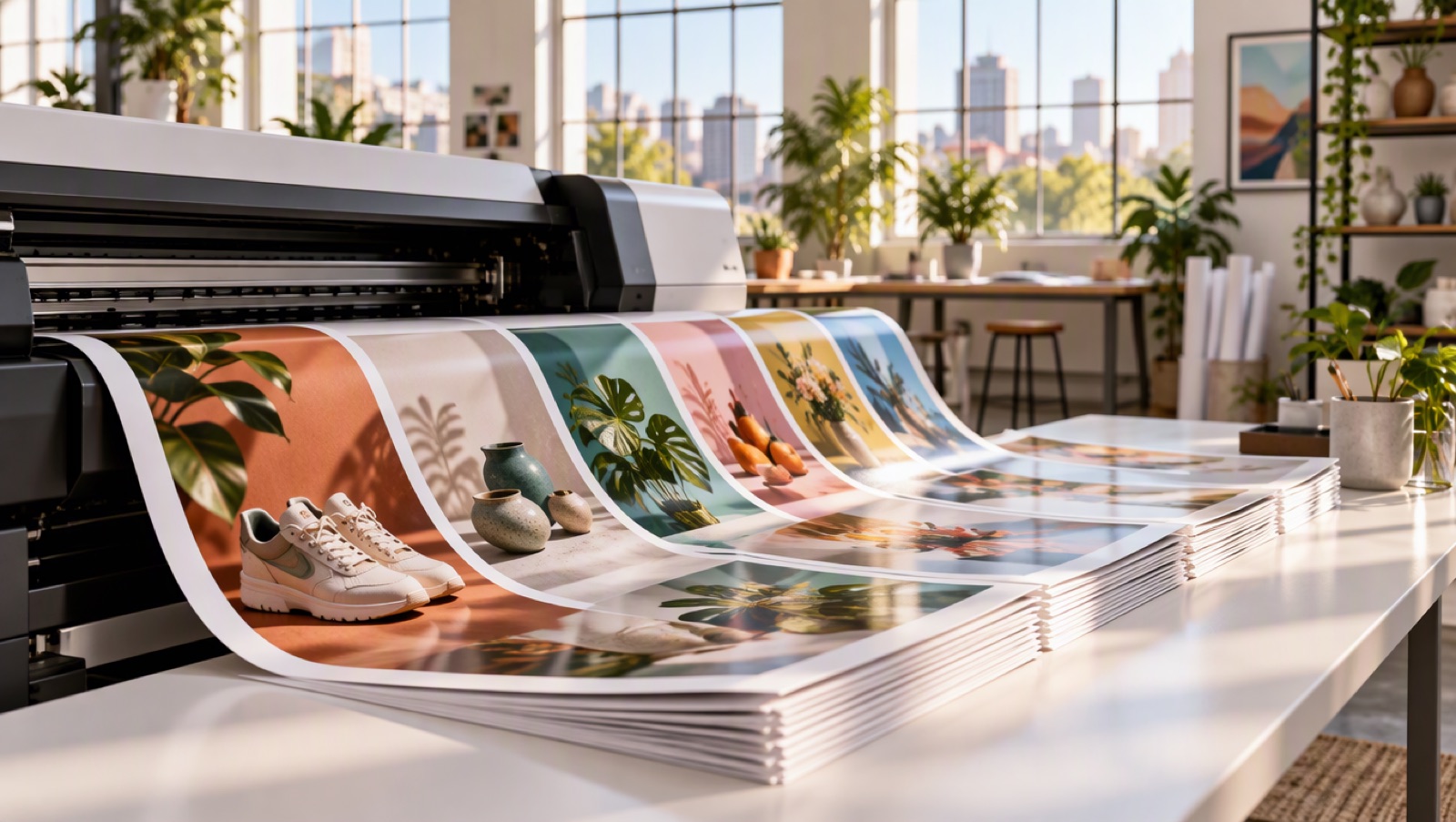
Rows of product prints sliding off a large-format printer in a bright studio

Generate, Edit and Control Rendering

Choose output quality

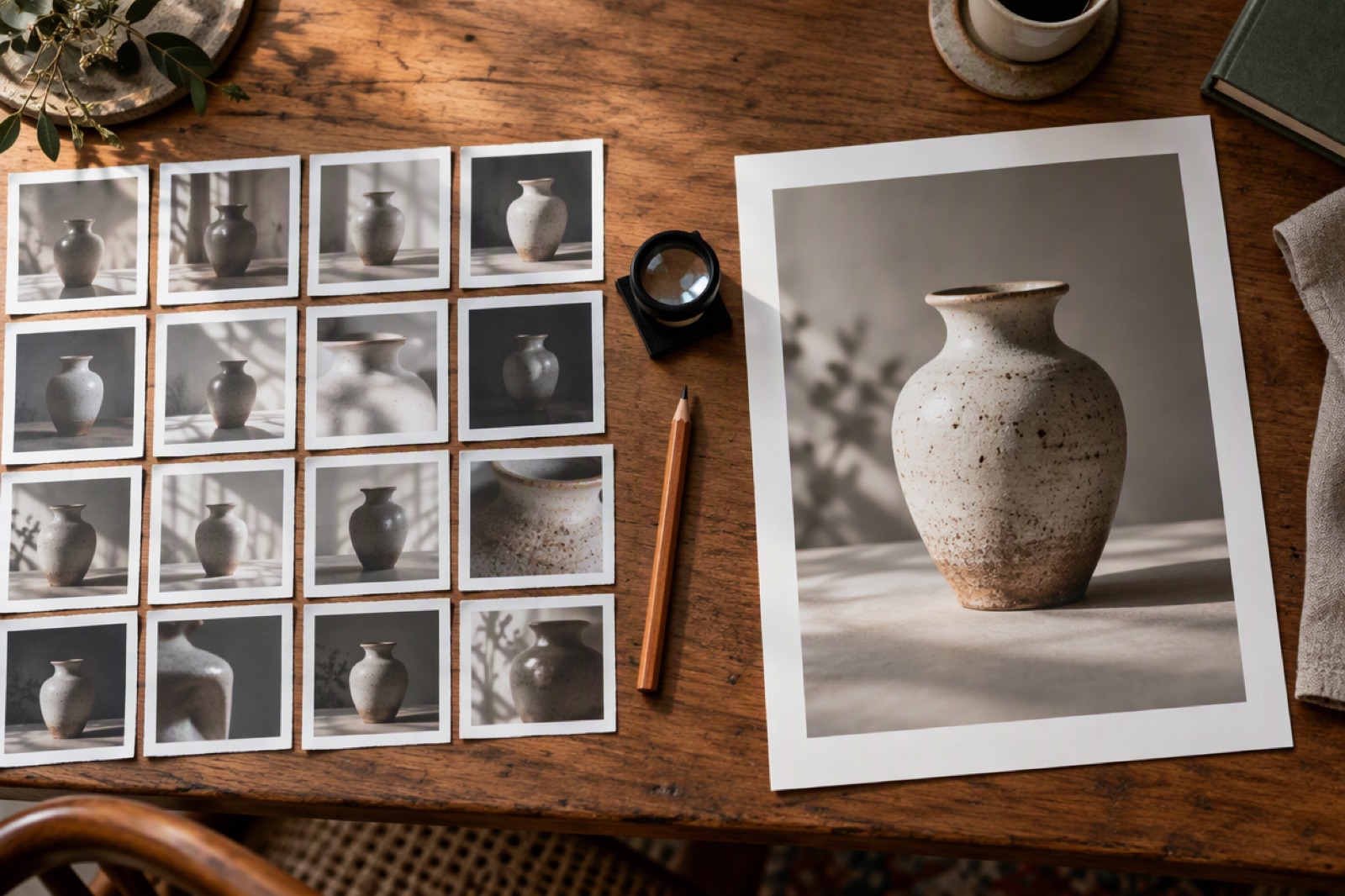
Start with low quality at 1K, then select medium, high, xhigh or max. The 1K low tier with up to 1,024 UTF-8 prompt bytes and no references costs 1.92 tokens ($0.0384).
Contact sheet of small thumbnail photos next to one large framed print

Create transparent PNGs

Set background: transparent to retain an alpha channel for cut-outs and layered layouts. Transparency does not add a charge.
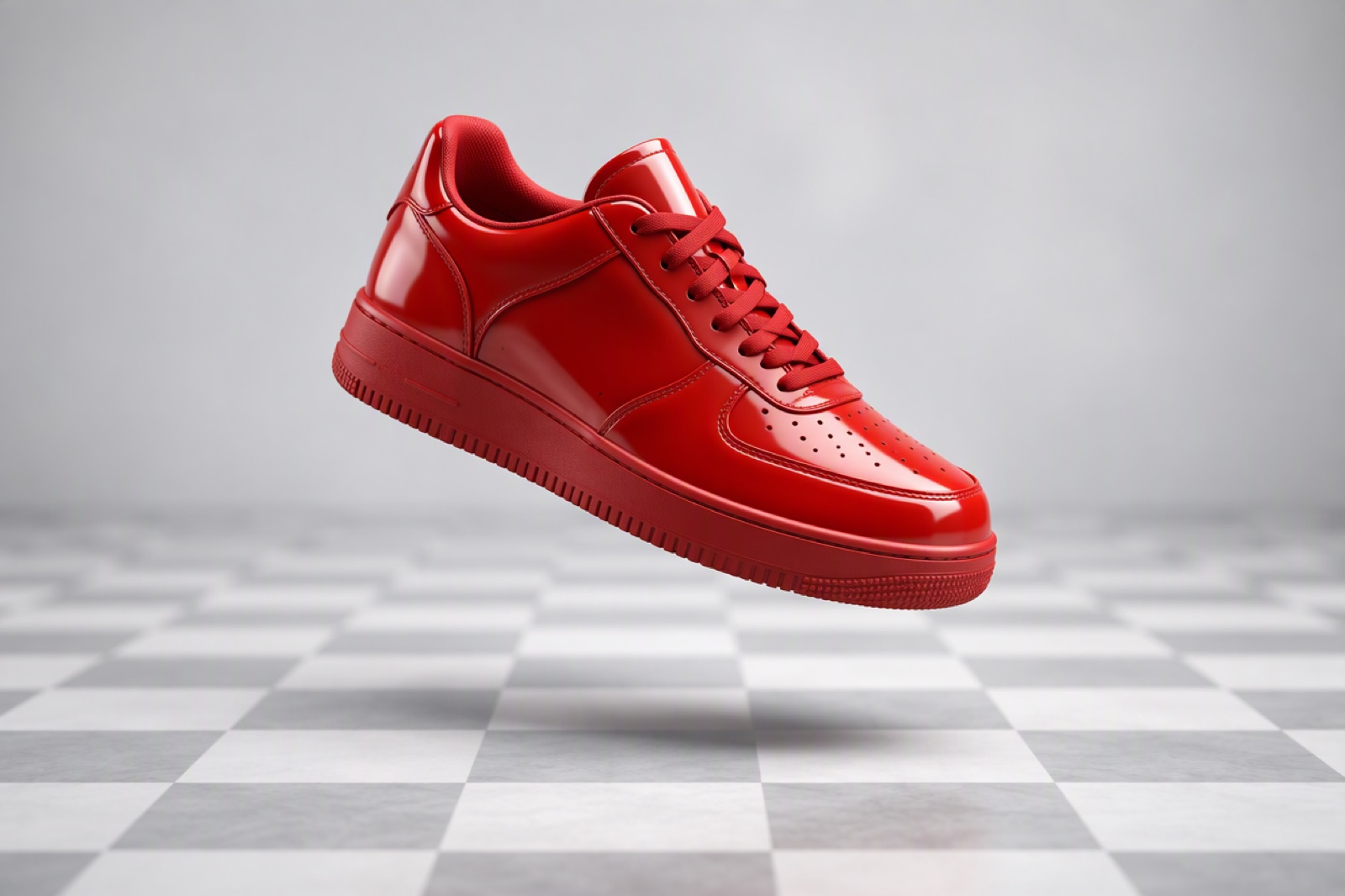
A single glossy red sneaker floating above a checkered transparent-style backdrop

Edit reference images

Pass up to 16 direct image URLs as image_list: [{"url":"https://…"}]. Describe what to change and preserve. Reference dimensions are measured for input pricing.
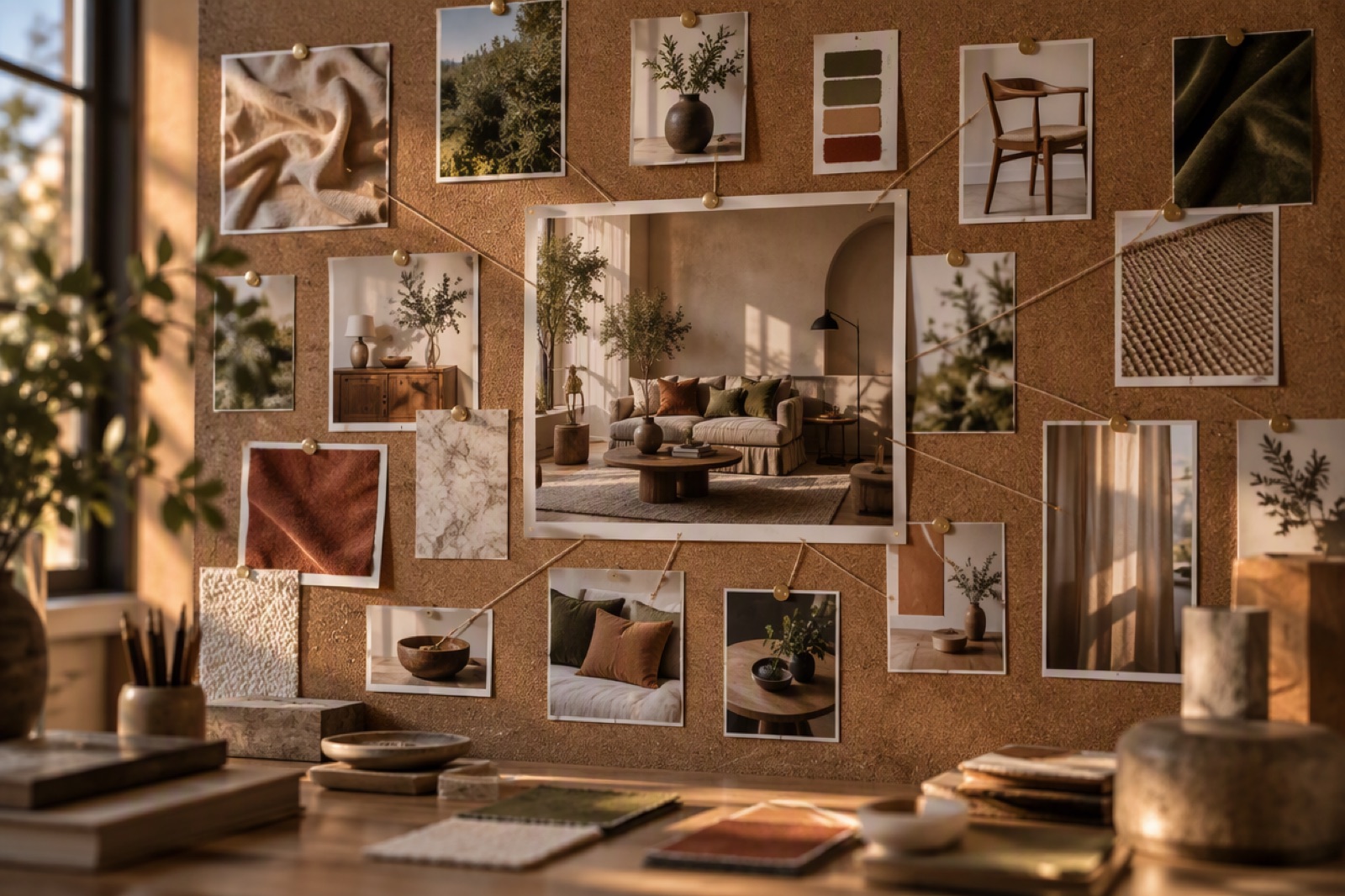
Several printed reference photos pinned to a board around one finished composite image
Only model and prompt are required; everything else has a documented default.

GPT Image 2.6 Flare Request Fields and Limits

model and prompt

Use gpt-image-2-6-flare and a non-empty prompt of up to 32,000 characters.

Output controls

image_size: 1k, 2k or 4k. quality: low, medium, high, xhigh or max. Defaults are 1k and low. One PNG is returned.

Ratio and background

Choose one of 15 documented ratios or auto. Auto uses 1:1 for text generation and follows the first reference for editing. Background can be opaque (default), transparent or auto.

Reference images

Up to 16 direct public HTTP(S) image URLs, at most 50MB each, returning HTTP 200 or 206 without redirects. Images must have readable dimensions.

Planning intensity

complexity: low, medium or high (default). Independent of rendering quality, with no extra charge.

Unsupported options

Auto quality, custom pixel sizes, multiple outputs, GIF, SVG, masks and markup are not supported by this endpoint.
Fixed prepaid output and input tariffs. The tiers below include up to 1,024 UTF-8 prompt bytes, without references.

GPT Image 2.6 Flare API Pricing

low

1k: 1.92 tokens ($0.0384), 2k: 3.54 tokens ($0.0708), 4k: 5.65 tokens ($0.1130).

medium

1k: 3.12 tokens ($0.0624), 2k: 5.99 tokens ($0.1198), 4k: 9.73 tokens ($0.1946).

high

1k: 3.71 tokens ($0.0742), 2k: 7.19 tokens ($0.1438), 4k: 11.72 tokens ($0.2344).

xhigh

1k: 6.33 tokens ($0.1266), 2k: 12.51 tokens ($0.2502), 4k: 20.58 tokens ($0.4116).

max

1k: 13.82 tokens ($0.2764), 2k: 27.74 tokens ($0.5548), 4k: 45.88 tokens ($0.9176).

Additional prompt input

Each additional started 1,024 UTF-8 bytes of trimmed prompt text adds 0.33 tokens ($0.0066).

Reference input

Each reference image adds 2.1 tokens ($0.042) per started 1,048,576 pixels. Round up each image separately and sum.

Quote and refund

Call POST /api/v1/pricing/quote with the same model and payload, including prompt and image_list. Input dimensions are measured before charging. Failed jobs refund their charge.

Integrate the GPT Image 2.6 Flare API

1

1. Create an API key

Create a key at /keys and send it as a Bearer token from your server.
2

2. Quote your request

POST to /api/v1/pricing/quote with model and payload containing prompt, image_list and output settings.
3

3. Submit one generation

POST a flat request body with model: gpt-image-2-6-flare to /api/v1/images/generations. Store the returned img_uuid.
4

4. Retrieve the PNG

Poll GET /api/v1/jobs/detail using img_uuid or supply custom_callback_url. Download and store the image after success.
Create an API Key
Workloads where many images are needed and the tier can be chosen per job.

What Developers Build with GPT Image 2.6 Flare

Catalog and listing imagery

Generate product shots and transparent cut-outs for marketplace listings, with low-tier drafts reviewed before higher-tier finals.

Ad and social variants

Produce the same concept across many aspect ratios, from 9:16 stories to 21:9 banners, by changing only ratio.

Reference-based edits

Restyle, recolor or recompose existing photos by sending them in image_list with an edit instruction.

In-app generation features

Offer image generation inside your own product and expose quality levels to users as price tiers.
Endpoint, tiers, editing and results.

GPT Image 2.6 Flare API FAQ

What is the endpoint?

POST https://api.goenhance.ai/api/v1/images/generations with model: gpt-image-2-6-flare.

What is the starting price?

Low / 1K with up to 1,024 UTF-8 prompt bytes and no references costs 1.92 tokens ($0.0384). Longer prompts and reference images add input charges.

What does an editing request cost?

Low / 1K, a short prompt and one 1024×1024 reference costs 4.02 tokens ($0.0804), before any account discount.

What are the defaults?

Low quality, 1K, opaque background and high planning complexity. Text generation with auto ratio uses 1:1.

Can I generate GIF or SVG files?

This endpoint currently returns one PNG per request. GIF, SVG, masks, markup and auto quality are not supported.

How many reference images can I use?

Up to 16 images. Their dimensions are measured independently for billing; transparency and planning intensity add no charge.

Start Building with the GPT Image 2.6 Flare API