
Video Upscaler API for 720p, 1080p, 2K and 4K

Send an existing clip to POST /api/v1/videos/generations with model: video-upscaler and a target resolution. The whole clip is upscaled, its duration is preserved, and you are billed per second of the source video as measured on the server.
Get API Key
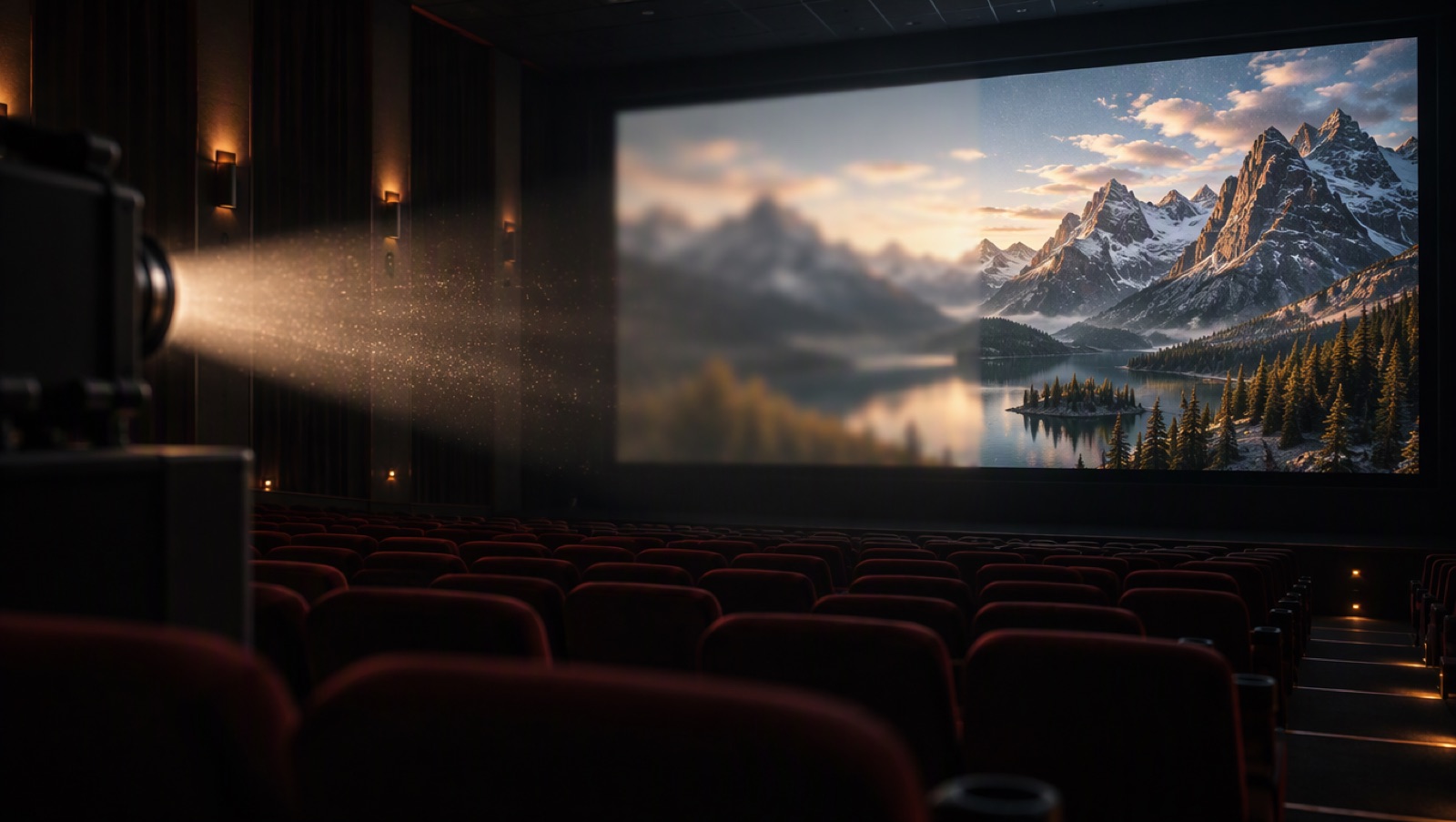
Old film projector beam turning into a sharp, detailed image on a large screen

Upscale the Whole Clip in One Request

Four target resolutions

Set resolution to 720p, 1080p (default), 2k or 4k. Sources up to 60 seconds are accepted for 720p, 1080p and 2K; 4K accepts up to 30 seconds.


Four nested picture frames of increasing size on a gallery wall

Frame rate and length stay predictable

Output duration always matches the source. Frame rate is capped at 24 fps: faster sources are resampled to 24 fps, slower ones keep their own rate, and frames are never interpolated or duplicated.
Metronome beside a strip of film frames on a dark desk

Clear limits before you pay

video_url accepts files up to 100 MB; av1 is not supported. Clips over the length limit for the chosen resolution are rejected instead of being silently truncated.

Measuring tape laid along a film reel on a workbench
Two required fields; the length limit depends on the target resolution.

Video Upscaler Request Fields and Limits

model

Always video-upscaler.

video_url (required)

Public URL of the source video, up to 100 MB. av1 is not supported. The entire clip is upscaled.

resolution

Target resolution: 720p, 1080p (default), 2k or 4k.

Maximum source length

60 seconds for 720p, 1080p and 2K; 30 seconds for 4K. Longer clips are rejected.

Output

Same duration as the source, at most 24 fps. Sources below 24 fps keep their own frame rate.

custom_callback_url

Optional public HTTPS URL that receives the job-detail body on each status change, with up to 3 retries.
Per second of the source video, by target resolution. The measured length is rounded up to whole seconds.

Video Upscaler API Pricing

720p: 0.5 token ($0.01) per second

A 10-second source costs 5 tokens ($0.10).

1080p: 1 token ($0.02) per second

The default target. A 60-second source costs 60 tokens ($1.20).

2K: 2 tokens ($0.04) per second

A 30-second source costs 60 tokens ($1.20).

4K: 4 tokens ($0.08) per second

Sources up to 30 seconds; the maximum, 30 seconds, costs 120 tokens ($2.40).

No duration parameter

The server measures the clip and charges for its full length, rounded up; a 4.2-second clip at 1080p is billed as 5 seconds, 5 tokens ($0.10). Failed jobs are refunded.

Integrate the Video Upscaler API

1

1. Create an API key

Generate one at /keys and send it as Authorization: Bearer <key>.
2

2. Check the source

Make sure the file is under 100 MB, not av1, and within 60 seconds (30 seconds for 4K).
3

3. Submit

POST {"model": "video-upscaler", "video_url": "https://…", "resolution": "2k"} to /api/v1/videos/generations and store img_uuid.
4

4. Download the upscaled clip

Poll GET /api/v1/jobs/detail or use your callback. json[].duration is processing time, not video length; download value within 24 hours.
Create an API Key
A finishing step after generation, editing or archive import.

What Developers Build with Video Upscaler

Upscale AI-generated clips

Generate drafts at a lower, cheaper resolution and upscale only the clips you keep.

Platform-ready exports

Bring short social or ad clips up to 1080p, 2K or 4K before publishing.

Archive and UGC refresh

Improve older or low-resolution user uploads in a media library.

Automated post-production

Add upscaling as a final pipeline stage with predictable per-second pricing.
Resolutions, limits, frame rate and billing.

Video Upscaler API FAQ

What is the endpoint?

POST https://api.goenhance.ai/api/v1/videos/generations with model: video-upscaler and video_url.

Can I upscale only part of a video?

No. There is no duration parameter; the whole clip is upscaled and billed. Trim the file before submitting.

Why is 4K limited to 30 seconds?

A 4K job is several times slower per frame, so longer clips would exceed the processing window.

Will the frame rate change?

Sources above 24 fps are resampled to 24 fps; sources at or below 24 fps keep their rate. Frames are never interpolated.

Why does duration in the result look too long?

json[].duration is the processing time in seconds, not the length of the output video.

How is it billed?

Per second of source video, rounded up: 720p is 0.5 token ($0.01), 1080p is 1 token ($0.02), 2K is 2 tokens ($0.04) and 4K is 4 tokens ($0.08) per second.

Start Building with the Video Upscaler API