Image Upscaler Pro API for 4x Upscaling and Photo Repair

Send a photo to POST /api/v1/images/generations with model: image-upscaler-pro and pick an enhance_type: upscale makes it 4x wider and 4x taller with generated detail, while denoise, sharpen and face repair it at the original size. The result is always a PNG.
Get API Key
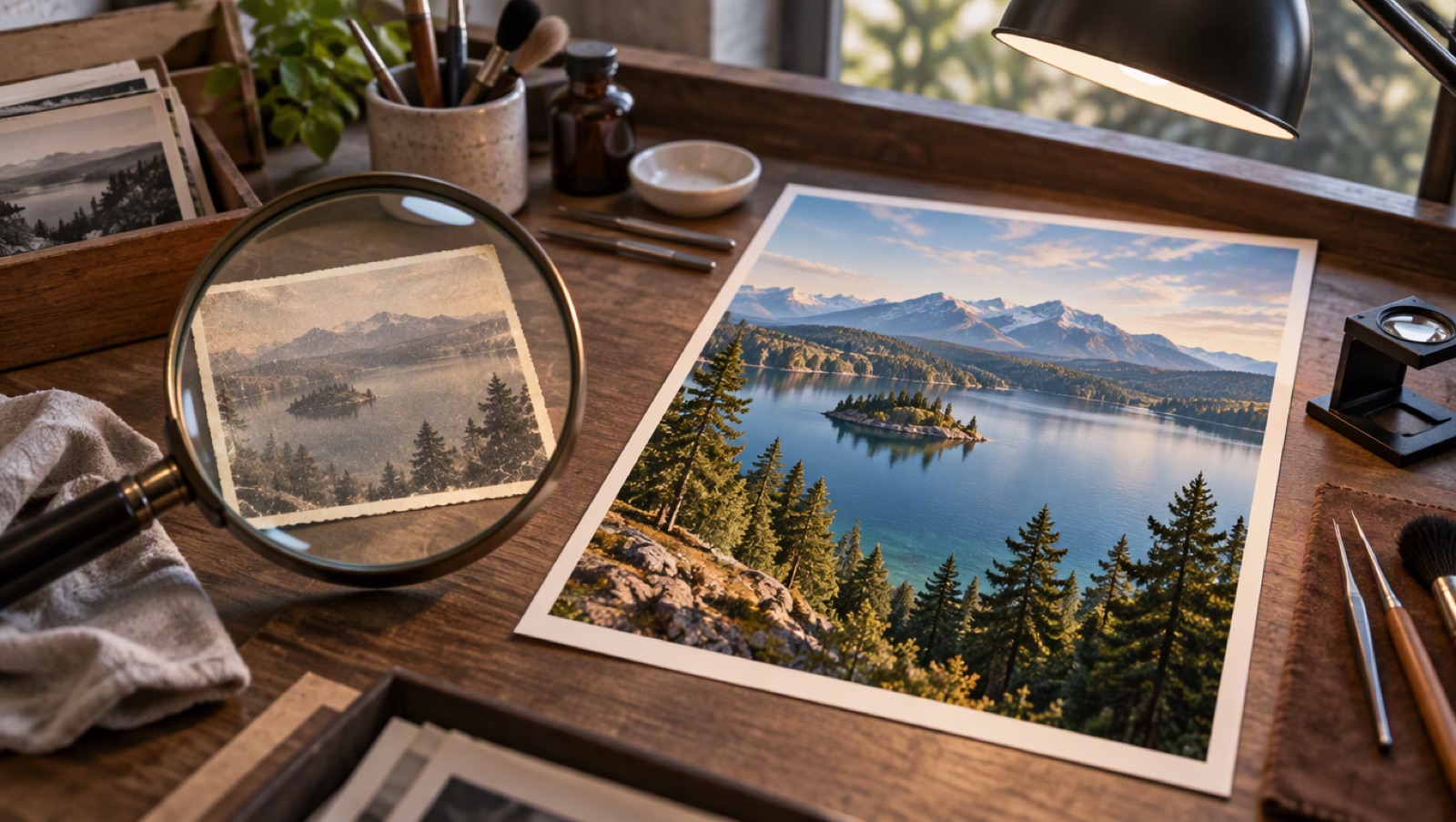
Small faded photo print under a magnifier turning into a large sharp print

Four Modes, One Endpoint

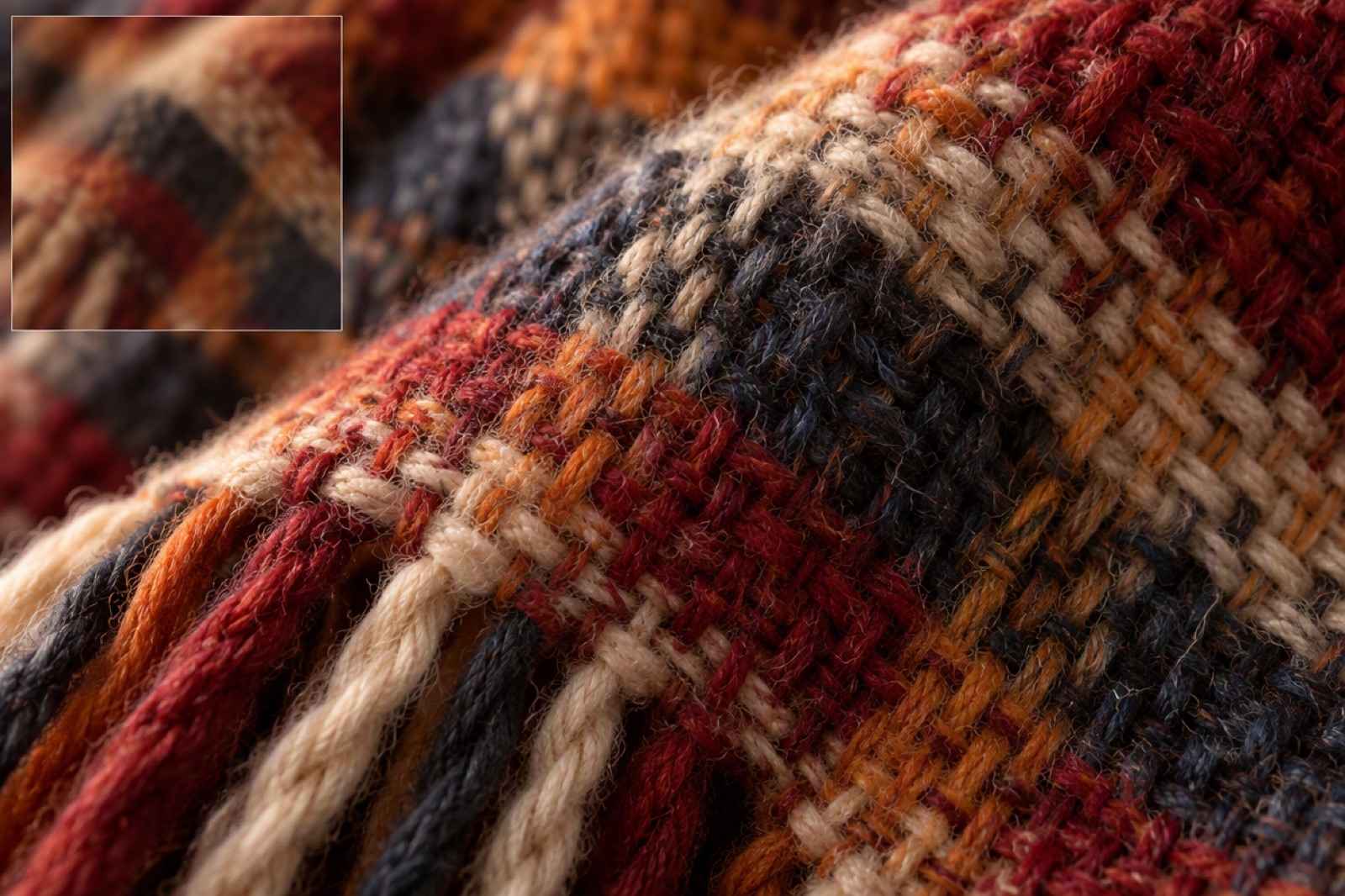
upscale: 4x width and height

The default mode enlarges the image and generates fine detail. Inputs up to 1 megapixel, for example 1000x1000, come back at up to 4000x4000.
Close-up of fabric texture revealed in fine detail

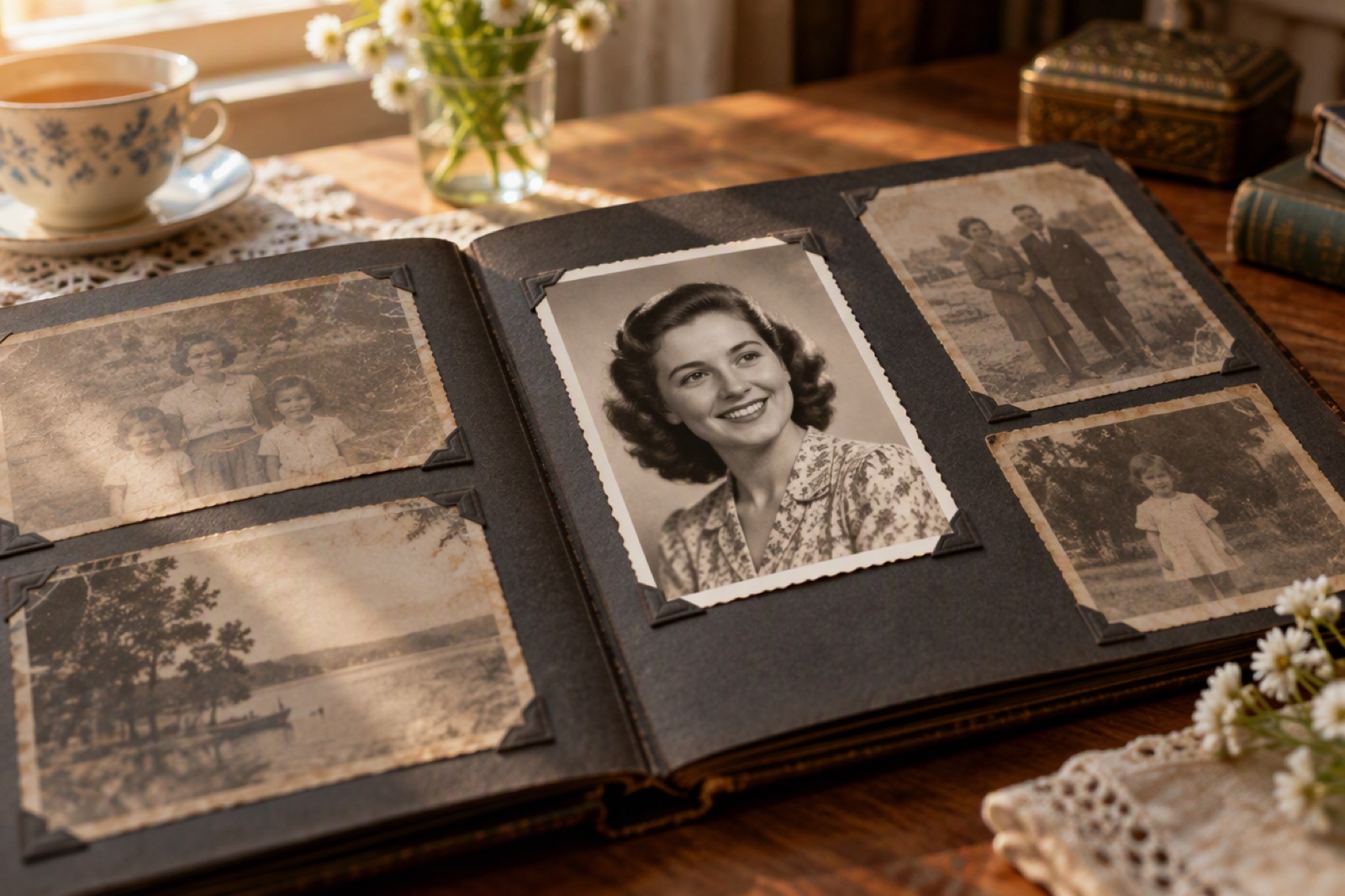
face: restore blurry faces

Use face for photos with a clearly visible face that is blurry or low quality. The output keeps the original size.
Old family photo album open on a table with a restored portrait

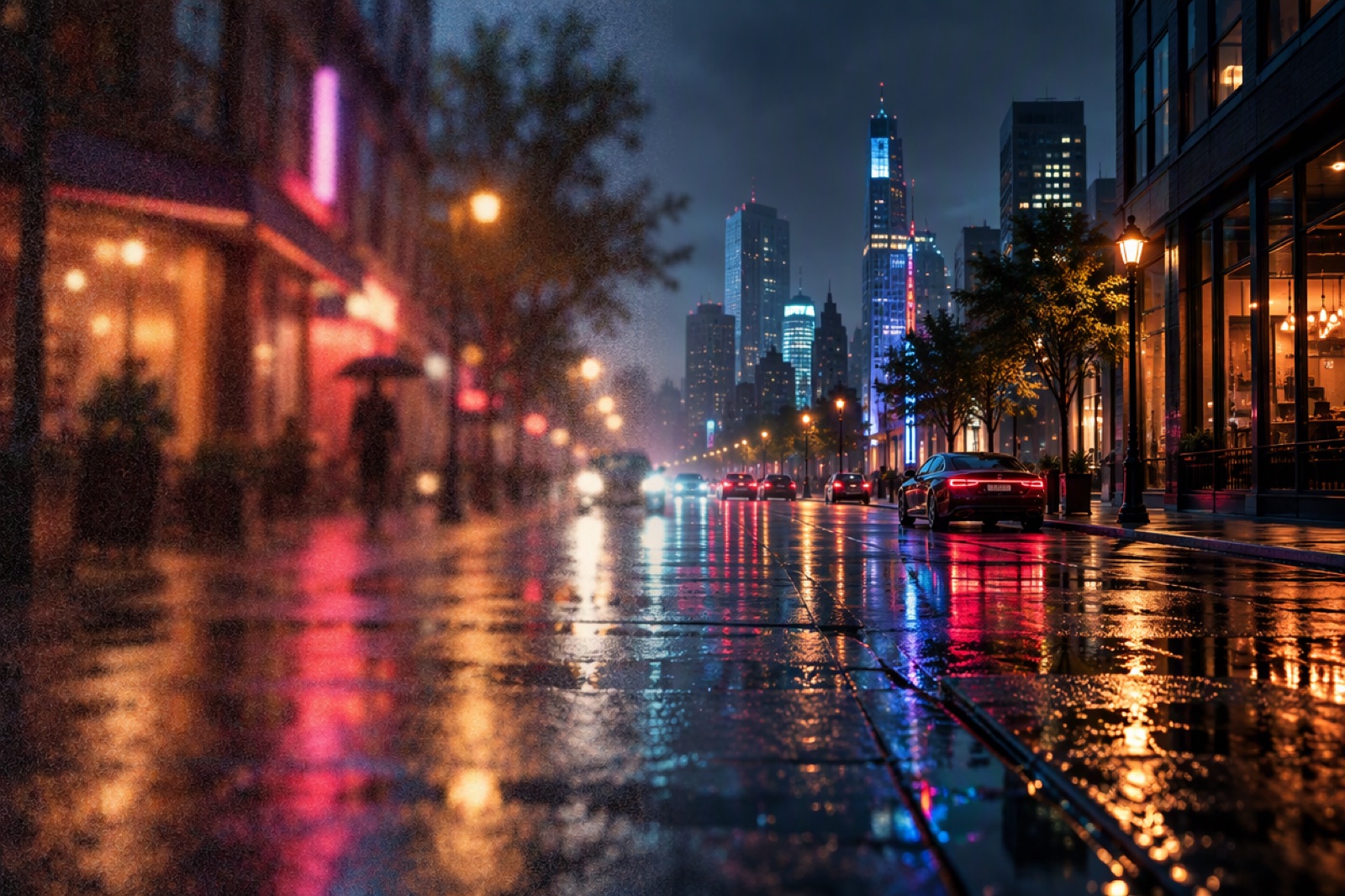
denoise and sharpen at the same size

denoise removes noise and grain while keeping texture; sharpen recovers clarity in soft or slightly blurry photos. Both accept up to 4 megapixels.
Night city street photo split between grainy and clean halves
Requests outside these limits are rejected before any tokens are deducted.

Image Upscaler Pro Request Fields and Limits

model

Always image-upscaler-pro.

image_url (required)

A publicly reachable https:// link, up to 32 MB. Single-frame JPEG, PNG, WebP, TIFF or BMP; animated images are not supported.

enhance_type

upscale (default), face, denoise or sharpen.

Resolution limit

upscale: up to 1 megapixel. Other modes: up to 4 megapixels.

Result

Always a PNG. 4x width and height for upscale; the original size for the other modes.
A flat price per image for each enhance_type, regardless of image size.

Image Upscaler Pro API Pricing

upscale: 4 tokens ($0.08)

Per image, for the 4x enlargement with generated detail.

face: 3 tokens ($0.06)

Per image, for face restoration at the original size.

denoise: 2 tokens ($0.04)

Per image, for noise and grain removal at the original size.

sharpen: 2 tokens ($0.04)

Per image, for clarity recovery at the original size.

Integrate the Image Upscaler Pro API

1

1. Create an API key

Generate a key at /keys and keep it server-side as Authorization: Bearer <key>.
2

2. Check the resolution

Keep inputs at or below 1 megapixel for upscale and 4 megapixels for the other modes; larger images are rejected without charge.
3

3. Submit in parallel

POST {"model": "image-upscaler-pro", "image_url": "https://…", "enhance_type": "upscale"} to /api/v1/images/generations. Processing usually takes 10 to 20 seconds per image, so submit batches concurrently.
4

4. Collect the PNG

Poll GET /api/v1/jobs/detail with each img_uuid or use custom_callback_url, and store the PNG before its link expires.
Create an API Key
Photo repair and enlargement as one API step.

What Developers Build with Image Upscaler Pro

Print-ready enlargements

Upscale small web images 4x for posters, canvas prints and photo books.

Old photo restoration apps

Restore faces in scanned family photos with face, then clean grain with denoise.

Marketplace image cleanup

Sharpen soft seller photos at their original size before listing.

Generated image finishing

Enlarge generated images of up to 1 megapixel to 4x the width and height for delivery.
Modes, limits, pricing and output.

Image Upscaler Pro API FAQ

What is the Image Upscaler Pro API endpoint?

POST https://api.goenhance.ai/api/v1/images/generations with model: image-upscaler-pro.

How much larger is the upscaled image?

4x in width and 4x in height, so a 1000x1000 input becomes 4000x4000.

Why was my image rejected?

Check the limits: up to 32 MB, a single-frame supported format, and at most 1 megapixel for upscale, 4 megapixels for the other modes. Rejected requests are not charged.

What does each mode cost?

upscale 4 tokens ($0.08), face 3 tokens ($0.06), denoise and sharpen 2 tokens ($0.04) per image.

Which formats are accepted and returned?

Single-frame JPEG, PNG, WebP, TIFF or BMP up to 32 MB in; always PNG out.

How long does processing take?

Usually 10 to 20 seconds per image. Submit several images in parallel rather than one after another.

Start Building with the Image Upscaler Pro API