
Kling 4.0 Video Edit API for Prompt-Driven Clip Changes

Send one source video to POST /api/v1/videos/generations with model: kling-4-0-edit and describe the change in prompt: swap an outfit, restyle the scene or regrade the colors. Up to 10 style reference images can guide the edit. The output keeps the aspect ratio and the original audio of your video; track the job with the returned img_uuid.
Get API Key
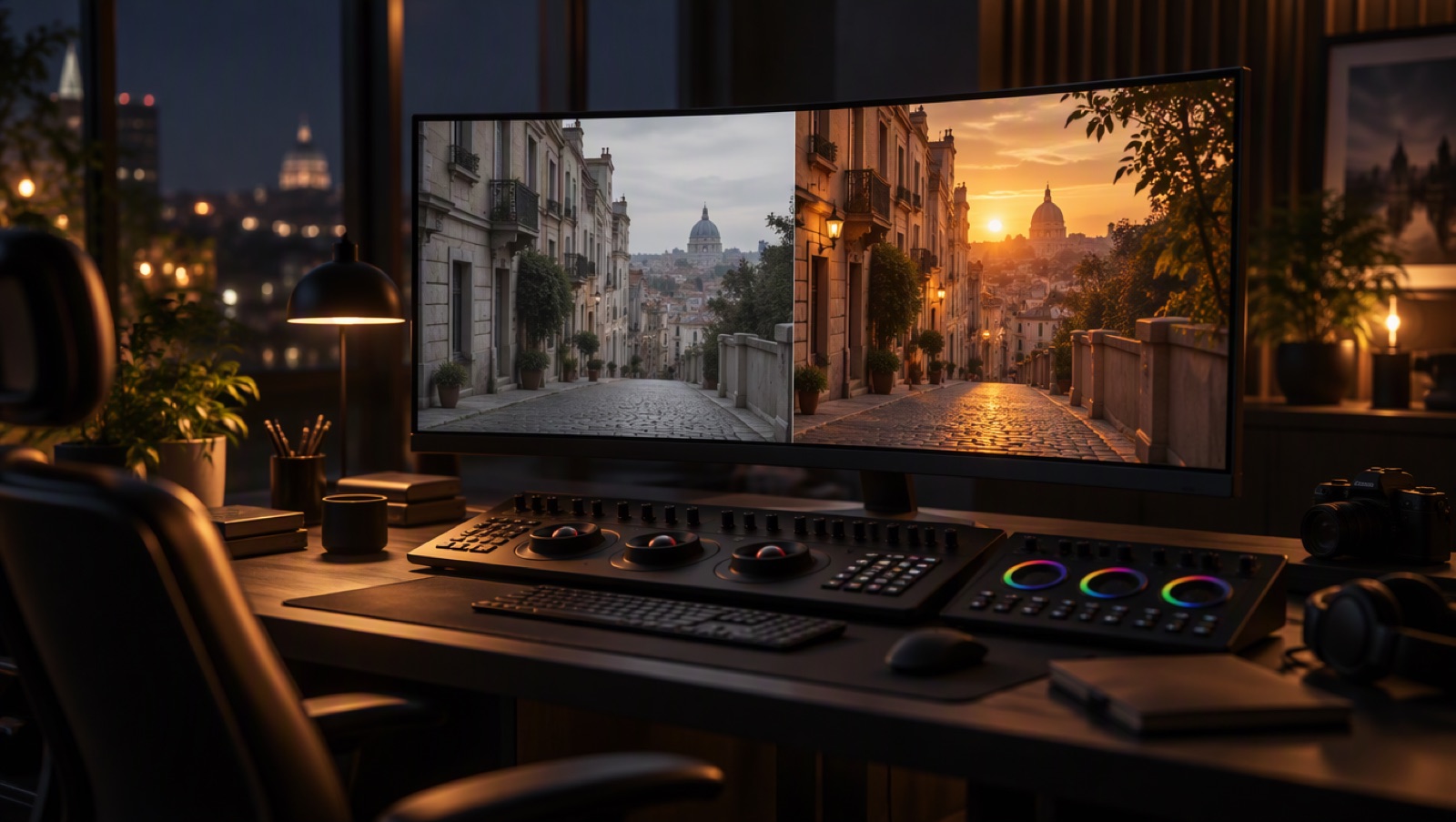
Film editing suite with a video frame being restyled on a large monitor

Change the Clip You Already Have

Address assets by tag in the prompt

Refer to the source video as <<<video_1>>> and to style images as <<<image_1>>>, <<<image_2>>> in the order of image_urls. A tag with no matching asset is rejected.
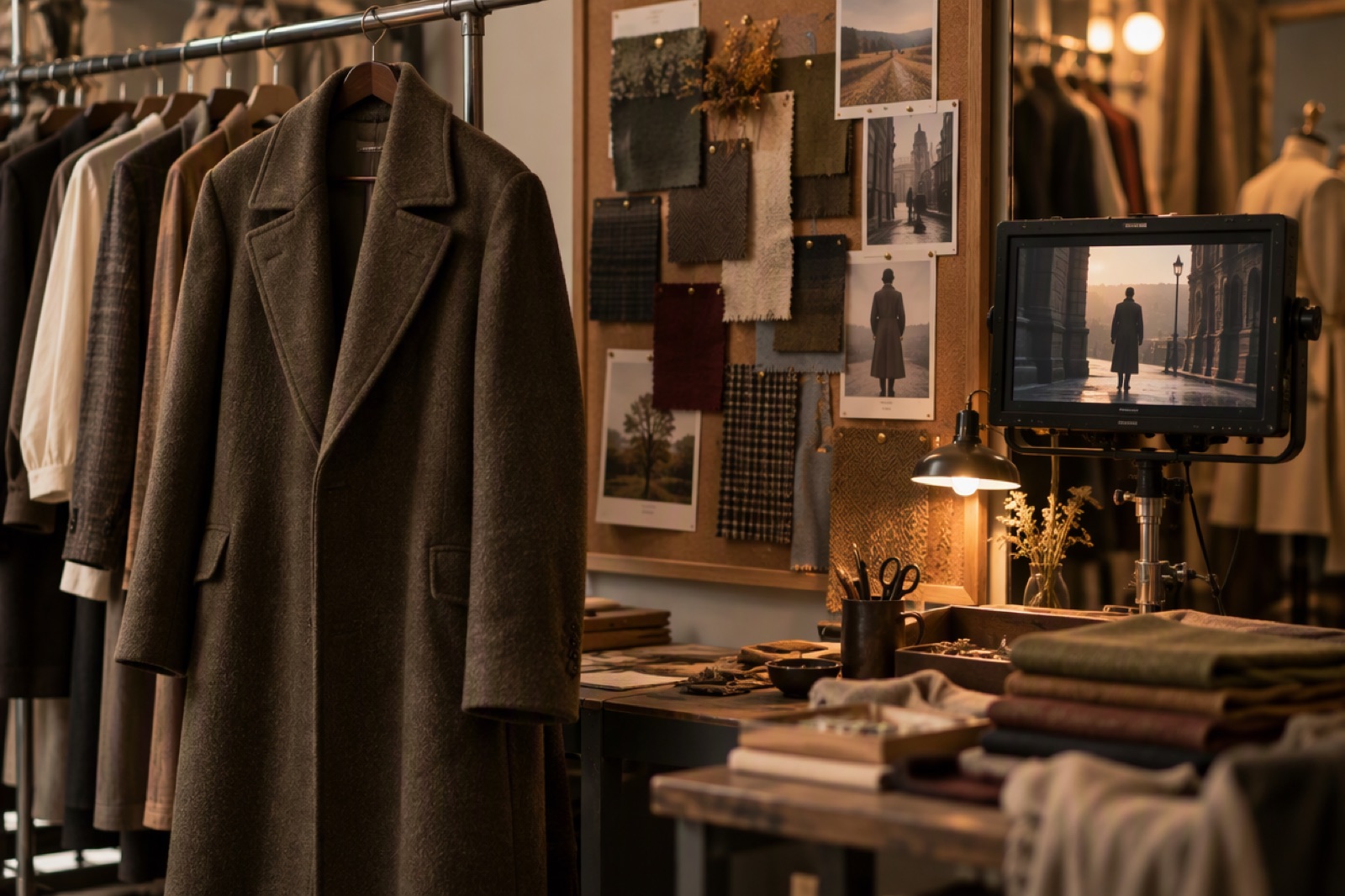
Clothing rail with fabric swatches pinned beside a video monitor in a wardrobe studio

Source aspect ratio and audio are kept

There is no ratio or sound field: the edited video follows the source frame and carries the original soundtrack rather than a regenerated one.
Vintage film reel next to a modern audio waveform display

Duration follows the source or your choice

duration: "auto" (default) matches the source length; any integer from 3 to 30 seconds sets the output length explicitly. Output is 720p (default) or 1080p.
Timeline ruler and stopwatch on an editing desk
One source video is required; everything else shapes the edit and the output size.

Kling 4.0 Video Edit Request Fields and Limits

model

Always kling-4-0-edit.

prompt (required)

Editing instructions, up to 2500 characters. Use <<<video_1>>> for the source and <<<image_N>>> for style images.

video_urls (required)

Exactly one URL. 3 to 30 seconds, MP4 or MOV, up to 200MB, width and height each 720-2160px, 24-60fps.

image_urls

Optional, up to 10 style reference images. Up to 10MB each, width and height at least 300px; smaller images are upscaled automatically.

duration and resolution

duration: "auto" (default) or an integer 3-30. resolution: 720p (default) or 1080p; quality is accepted as an alias.

Rejected fields

ratio / aspect_ratio, sound / generate_audio, negative_prompt, image_url / image_end_url / keyframes and 4K are rejected before any tokens are charged.
Billed per second on output seconds + max(source seconds, output seconds).

Kling 4.0 Video Edit API Pricing

720p: 6.11 tokens ($0.1222) per billed second

1080p: 9.165 tokens ($0.1833) per billed second. Reference images are not charged.

How billed seconds are counted

The source length is measured before any tokens are charged and rounded up to a whole second. With duration: "auto" the output equals the source, so you pay for twice the source length.

5-second source, auto duration

10 billed seconds: 61.1 tokens ($1.222) at 720p, or 91.65 tokens ($1.833) at 1080p.

10-second source, duration 20

20 + max(10, 20) = 40 billed seconds: 244.4 tokens ($4.888) at 720p.

Integrate the Kling 4.0 Video Edit API

1

1. Create an API key

Generate a key at /keys and send it as Authorization: Bearer <key> from your server.
2

2. Prepare the assets

Upload the source video (3-30 s, MP4 or MOV, 720-2160px, 24-60fps) and any style images to public URLs.
3

3. Submit the edit

POST {"model": "kling-4-0-edit", "prompt": "… <<<video_1>>> … <<<image_1>>>", "video_urls": ["https://…"]} to /api/v1/videos/generations and store the returned img_uuid and cost.
4

4. Collect the result

Poll GET /api/v1/jobs/detail or pass custom_callback_url. Failed jobs are refunded automatically.
Create an API Key
Edits that reuse footage you already shot instead of generating from scratch.

What Developers Build with Kling 4.0 Video Edit

Wardrobe and product swaps

Replace a garment or prop in existing footage with the look from a reference image, keeping the original performance.

Restyled versions of one shoot

Produce seasonal or regional variants of the same clip by changing the setting or palette in the prompt.

Color regrades on demand

Let users request a new grade in plain language without exporting to a desktop editor.

Edits that keep the soundtrack

Because the original audio is preserved, dialogue and music stay in sync with the edited picture.
Endpoint, inputs, billing and limits.

Kling 4.0 Video Edit API FAQ

What is the Kling 4.0 Video Edit API endpoint?

POST https://api.goenhance.ai/api/v1/videos/generations with model: kling-4-0-edit.

Why is the billed length longer than my output?

Billing uses output seconds + max(source seconds, output seconds). With the default auto duration that is twice the source length.

Can I change the aspect ratio or turn audio off?

No. The output follows the source aspect ratio and keeps its original audio; ratio and sound fields are rejected.

How many style images can I send?

Up to 10 in image_urls, each up to 10MB and at least 300px per side. They are not charged.

What source videos are accepted?

One MP4 or MOV, 3 to 30 seconds, up to 200MB, 720-2160px on each side and 24-60fps.

Is 4K output available?

No. Choose 720p (default) or 1080p; 4K is rejected before any tokens are charged.

Start Building with the Kling 4.0 Video Edit API

Kling 4.0 Video Edit API: Pricing & Integration | GoEnhance