
img_uuid, and handle the asynchronous result by polling or HTTPS callback.AI Dance Move API
Use the AI Dance Move API through GoEnhance to animate the person in one source image with motion from a reference dance video. Submit both public URLs, choose 480p or 720p, save the returned
Create an API Key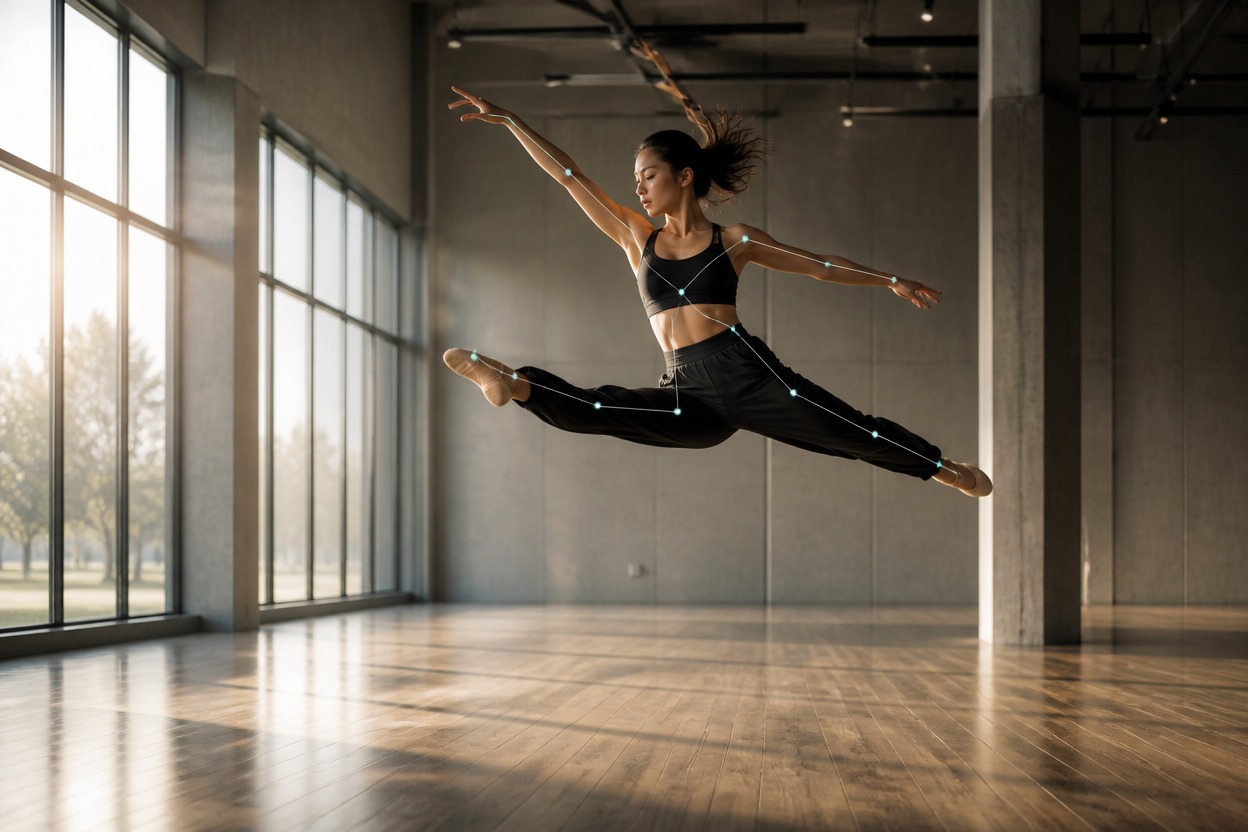
Drive a portrait with reference dance motion
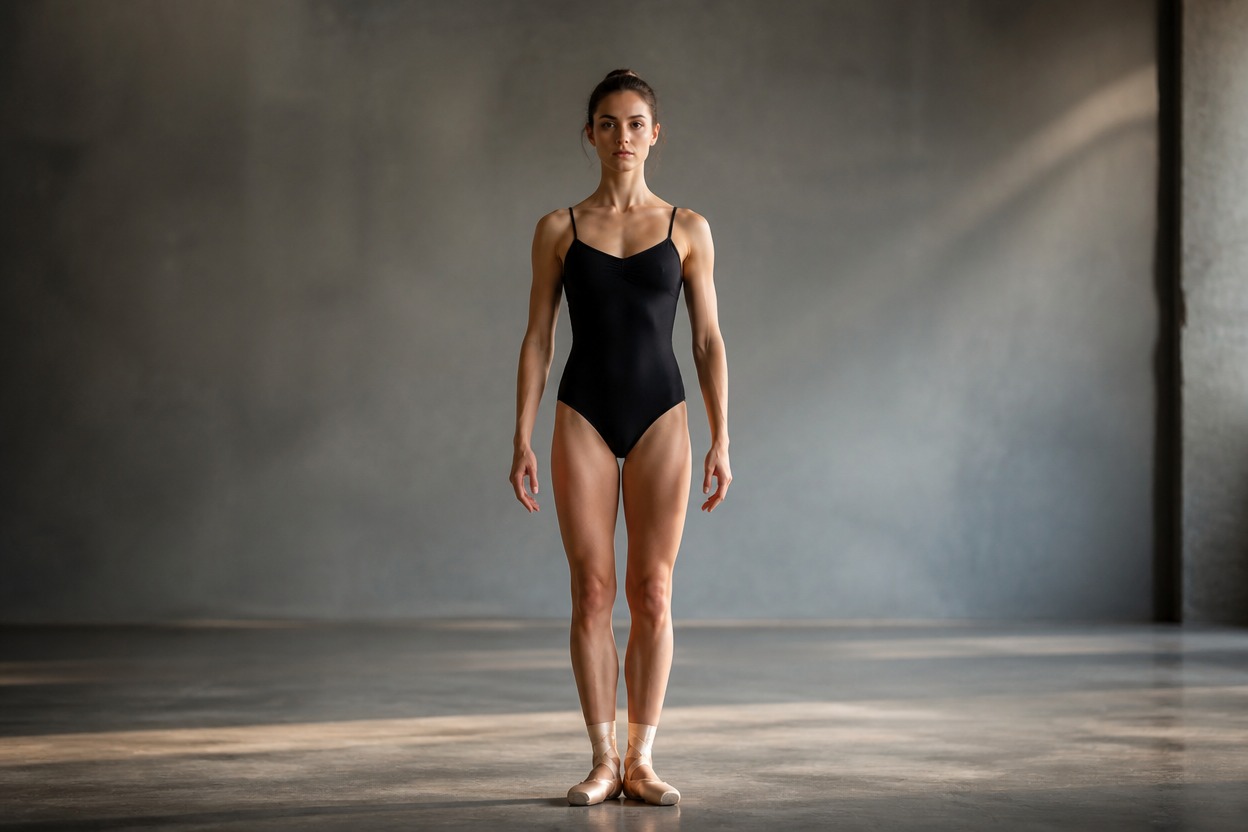
One source image defines the dancer
Send a required public image_url. The person in that image becomes the subject of the generated dance video, so use a clear, unobstructed full-body source when motion readability matters.
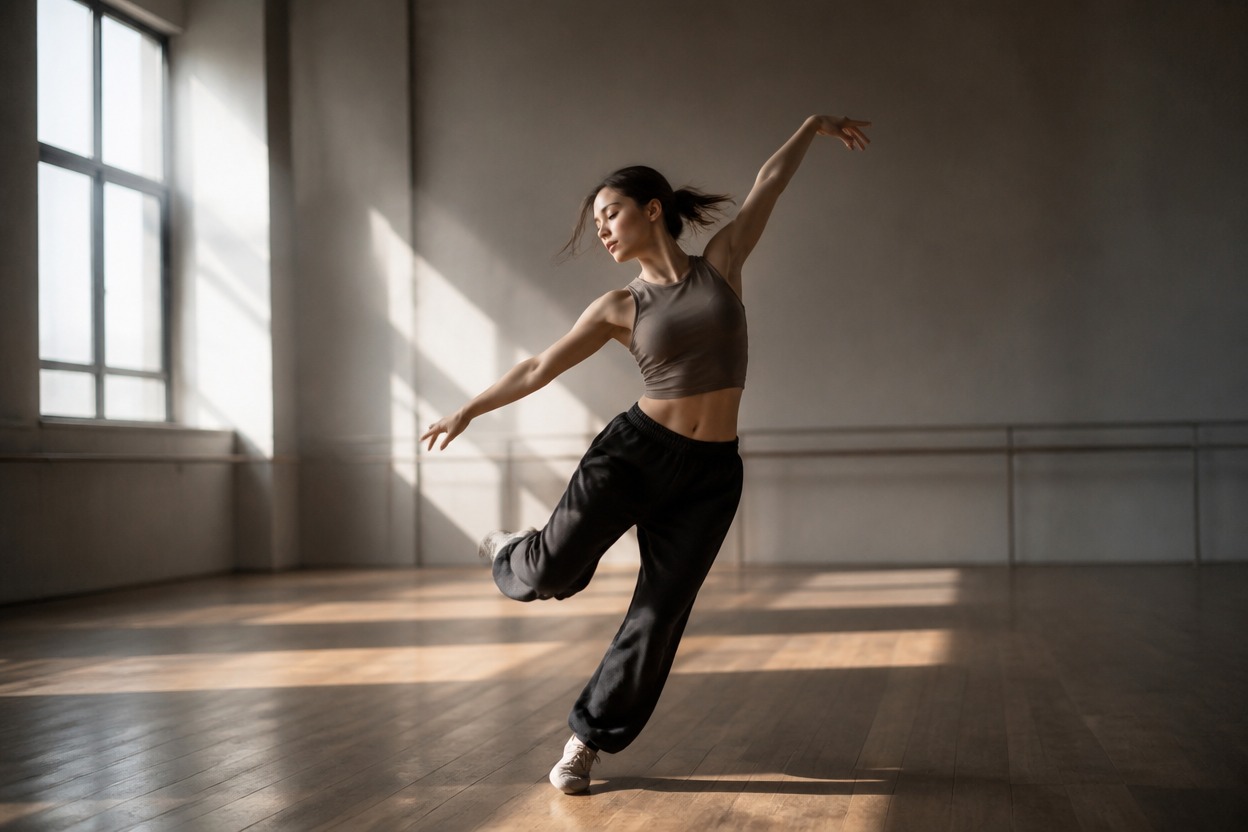
One reference video supplies the movement
Send a required public video_url containing the dance motion to follow. The documented maximum input-video length is 30 seconds; longer references are rejected.
Validate source URLs, duration, resolution, and completion handling before submission.
AI Dance Move API capabilities and limits
Exact model identifier
Set <code>model</code> to <code>ai_dance_move</code> for this route.
Two required media URLs
Provide both <code>image_url</code> for the person and <code>video_url</code> for the reference dance.
30-second input limit
Reference dance videos may be no longer than 30 seconds; longer inputs are rejected.
480p or 720p output
Choose <code>480p</code> or <code>720p</code>. The documented default is <code>480p</code>.
Asynchronous task ID
A successful submission returns <code>data.img_uuid</code>, not the finished video.
Polling or callbacks
Poll the job-detail endpoint or provide a public HTTPS callback URL for status changes.
GoEnhance bills each rounded-up second of the input reference video at the selected output resolution.
AI Dance Move API pricing
480p: 2 tokens per second
A five-second input is 10 tokens, listed as $0.20 in the current GoEnhance documentation.
720p: 4 tokens per second
A five-second input is 20 tokens, listed as $0.40 in the current GoEnhance documentation.
Estimate from input duration
Round the input video duration up to a whole second, then multiply by 2 tokens for 480p or 4 tokens for 720p. Check the live pricing reference before production batches.
Integrate the AI Dance Move API in six steps
1
1. Create and protect an API key
Create a GoEnhance key and send authorization from trusted server-side code.
2
2. Host the source media
Provide publicly reachable URLs for one person image and one reference dance video no longer than 30 seconds.
3
3. Build the request
POST to
https://api.goenhance.ai/api/v1/videos/generations with model: ai_dance_move, both URLs, and 480p or 720p resolution. 4
4. Save the task identifier
Confirm response-level success and persist the returned
data.img_uuid before leaving the request handler. 5
5. Track every status
Poll
GET /api/v1/jobs/detail or receive processing, success, and failed events at a public HTTPS callback URL. 6
6. Handle the terminal result
Process success and failure idempotently, verify the returned media, and avoid duplicate downstream work when polling and callbacks overlap.
Build controlled motion-transfer workflows around source media you are authorized to use.
AI Dance Move API use cases
Creator dance clips
Turn an approved full-body portrait into a short dance concept driven by a chosen reference routine.
Character motion studies
Test how an original character or performer reads in motion before a larger production.
Campaign concept variants
Parameterize source images and approved choreography references for creative review queues.
Music-video previsualization
Explore dance direction and framing before committing time to a finished shoot or edit.
Localized social creative
Run regional source assets through one validated submission and completion pipeline.
Automated media workflows
Connect generation, task-state persistence, callback handling, storage, and human approval in your application.
Answers about inputs, pricing, duration, resolution, and asynchronous delivery.