AI Dance Replace API for Motion-Driven Video

Access ai_dance_replace through the GoEnhance API to replace the person in a reference dance video with the person from one source image while retaining the reference motion. Submit an asynchronous task, save its img_uuid, then poll or use callbacks for completion.
Get API Key
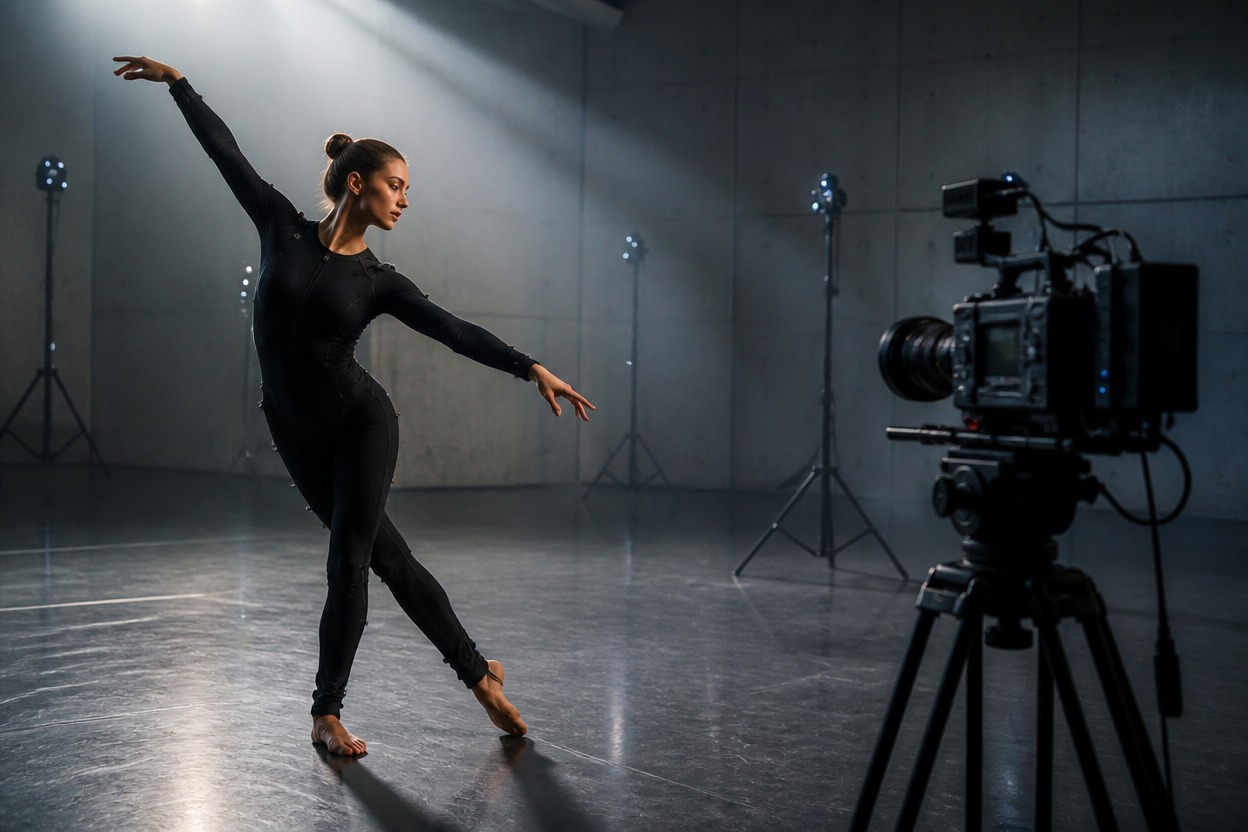
Dancer performing in a cinematic production studio for AI Dance Replace API workflows

Build person-replacement dance video workflows

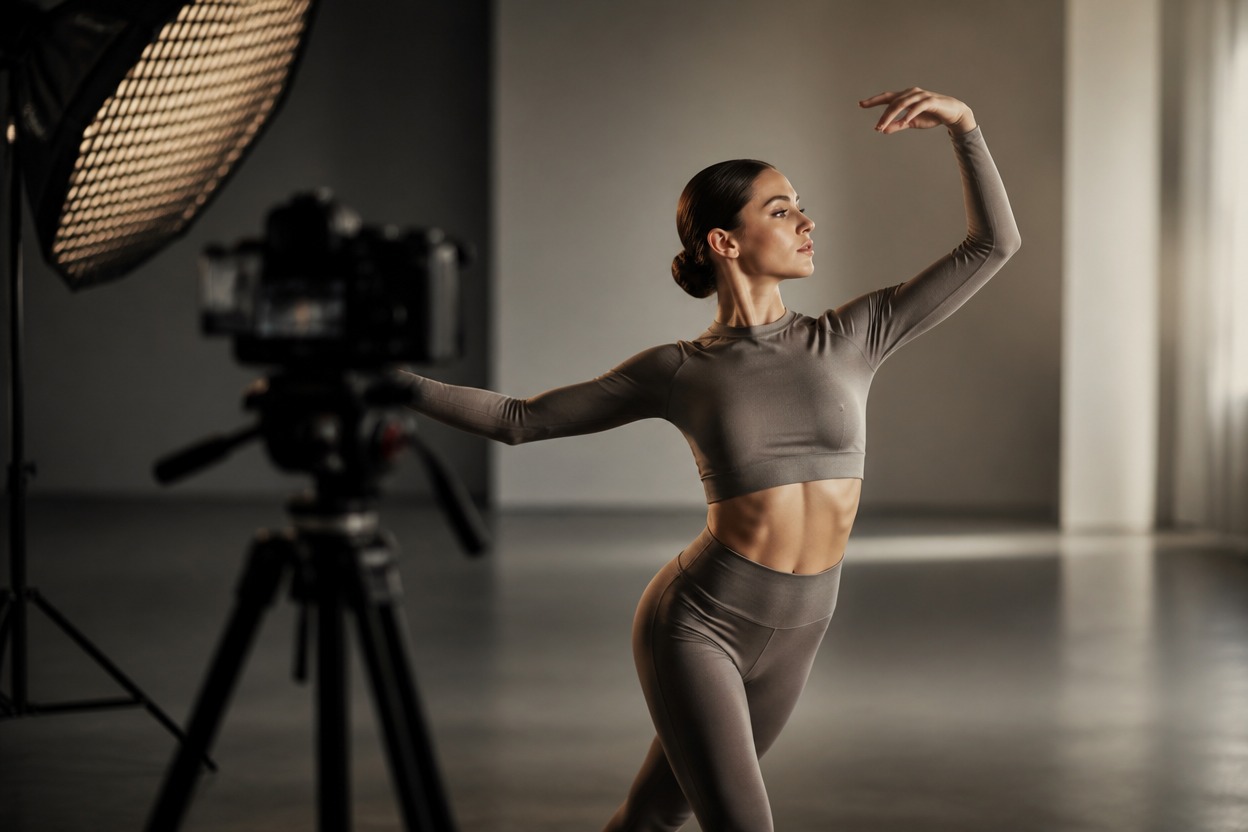
Portrait capture setup for a person image used by a dance replacement API
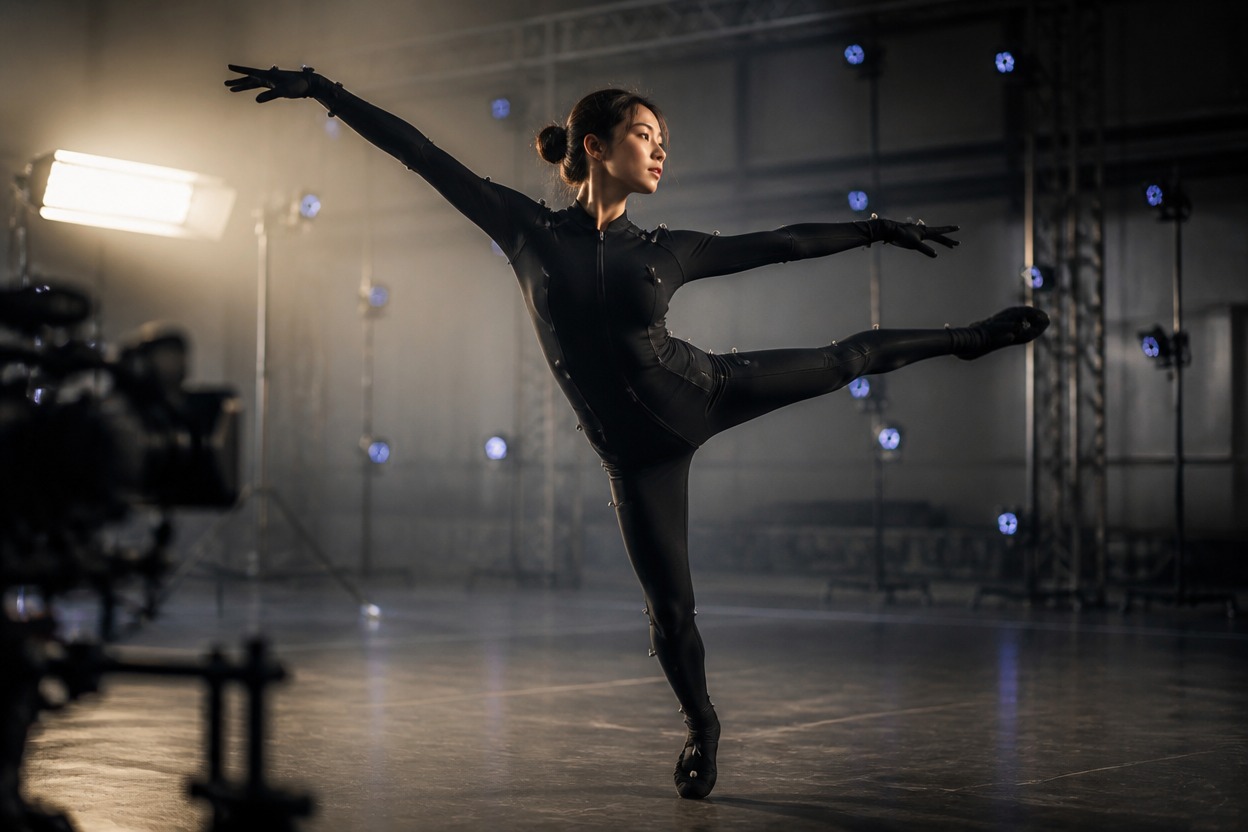
Dancer and cinema camera capturing motion for an AI dance replacement workflow
Validate the exact model identifier, media URLs, and output resolution before submission.

AI Dance Replace API capabilities and inputs

Exact model identifier

Set <code>model</code> to <code>ai_dance_replace</code>; it is a required request field.

Required person image

Pass <code>image_url</code> as a valid public URI for the person who will appear in the output.

Required dance video

Pass <code>video_url</code> as a public reference video no longer than the documented 30-second maximum.

Two resolution options

Choose <code>480p</code> or <code>720p</code>. The documented default is <code>480p</code>.

Optional callback delivery

Add a public HTTPS <code>custom_callback_url</code> to receive processing, success, and failure updates.

Asynchronous task response

A successful submission returns <code>img_uuid</code>; persist it for status checks and result handling.
Billing uses the rounded-up duration of the input video. Calculate cost from the selected resolution and billed seconds.

AI Dance Replace API pricing

480p pricing

2 tokens per input-video second, equal to $0.04 per second or $0.20 per 5 seconds at $0.02 per token.

720p pricing

4 tokens per input-video second, equal to $0.08 per second or $0.40 per 5 seconds at $0.02 per token.

Duration-based billing

The input video duration is rounded up for billing; estimate cost as billed seconds multiplied by the selected rate.

Integrate the GoEnhance API in six steps

1. Create an API key
1

1. Create an API key

Create a GoEnhance API key and send it as a bearer token in the Authorization header.
2. Validate both media URLs
2

2. Validate both media URLs

Confirm the person image and dance video are publicly reachable and that the video is no longer than 30 seconds.
3. Build the request
3

3. Build the request

Set model: ai_dance_replace, add image_url and video_url, then choose 480p or 720p.
4. Submit the task
4

4. Submit the task

POST the JSON body to https://api.goenhance.ai/api/v1/videos/generations.
5. Persist and track
5

5. Persist and track

Save the returned img_uuid, then poll GET /api/v1/jobs/detail or receive callback events.
6. Handle terminal states
6

6. Handle terminal states

Process success and failure idempotently, verify the returned asset, and avoid duplicating downstream work.
Use a consent-aware media pipeline for creator tools, campaign production, and repeatable video automation.

Developer use cases for dance replacement video

Creator dance templates

Let users apply an approved person image to a licensed reference dance inside a guided creation flow.

Campaign video variants

Generate subject variants from approved source media for internal review and downstream editing.

Character performance tests

Explore how a supplied character image follows an existing movement reference before production.

Localized creator assets

Reuse one approved dance reference with different authorized subjects for regional content pipelines.

Automated content queues

Connect task IDs and callbacks to batch orchestration without blocking your application request thread.

Prototype motion experiences

Validate an image-plus-motion product concept before investing in a custom capture pipeline.
Answers to common input, pricing, status, callback, and integration questions.

AI Dance Replace API FAQ

Build with the AI Dance Replace API