
Grok Image API for Generation and Editing
Access Grok Image through the independent GoEnhance API. Generate from a text prompt or provide up to nine reference images for image-to-image editing, then retrieve the asynchronous result by polling or HTTPS callback. GoEnhance is not xAI and this is not the official xAI API.
Create an API Key
One Endpoint for New Images and Reference-Guided Edits
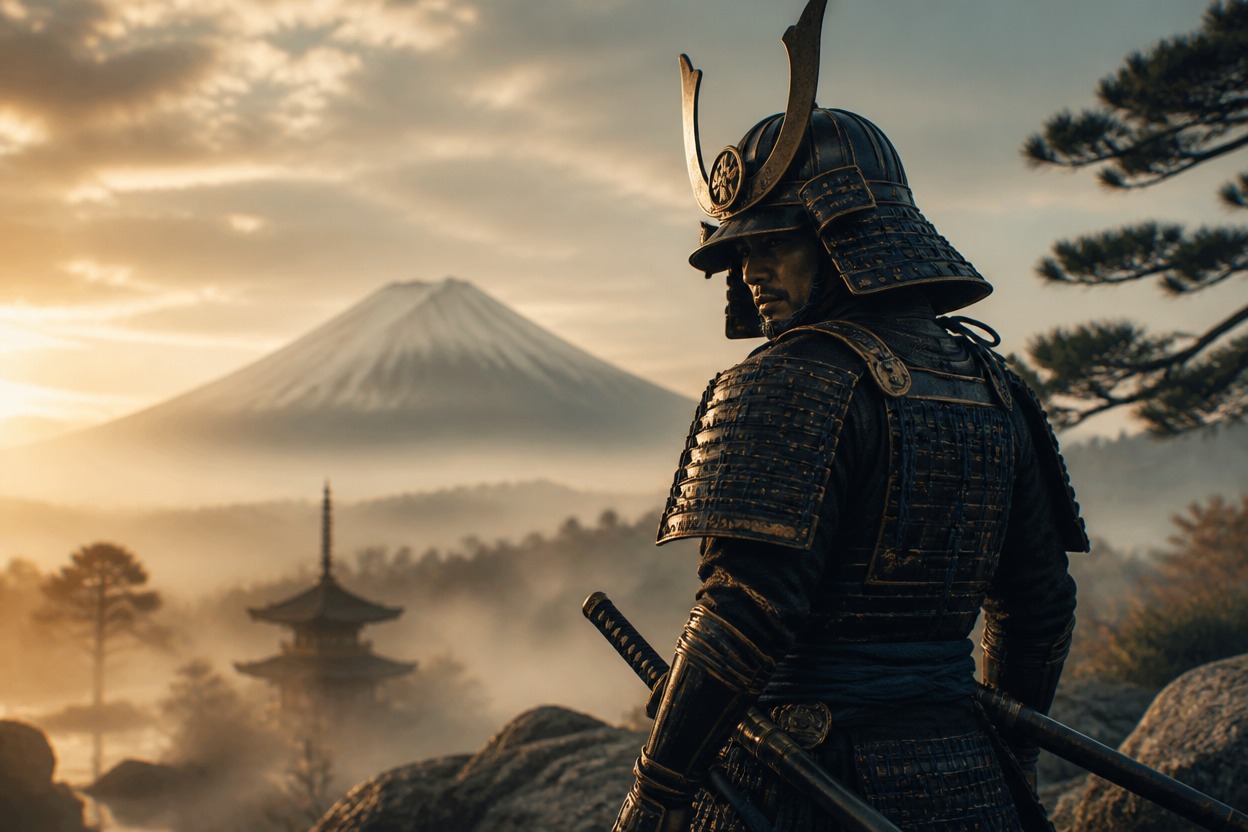
Text-to-Image Generation
Set model to grok-image, send a prompt of 1–2,000 characters, and choose 2:3, 3:2, 1:1, 9:16, or 16:9. The ratio applies to text-only requests.
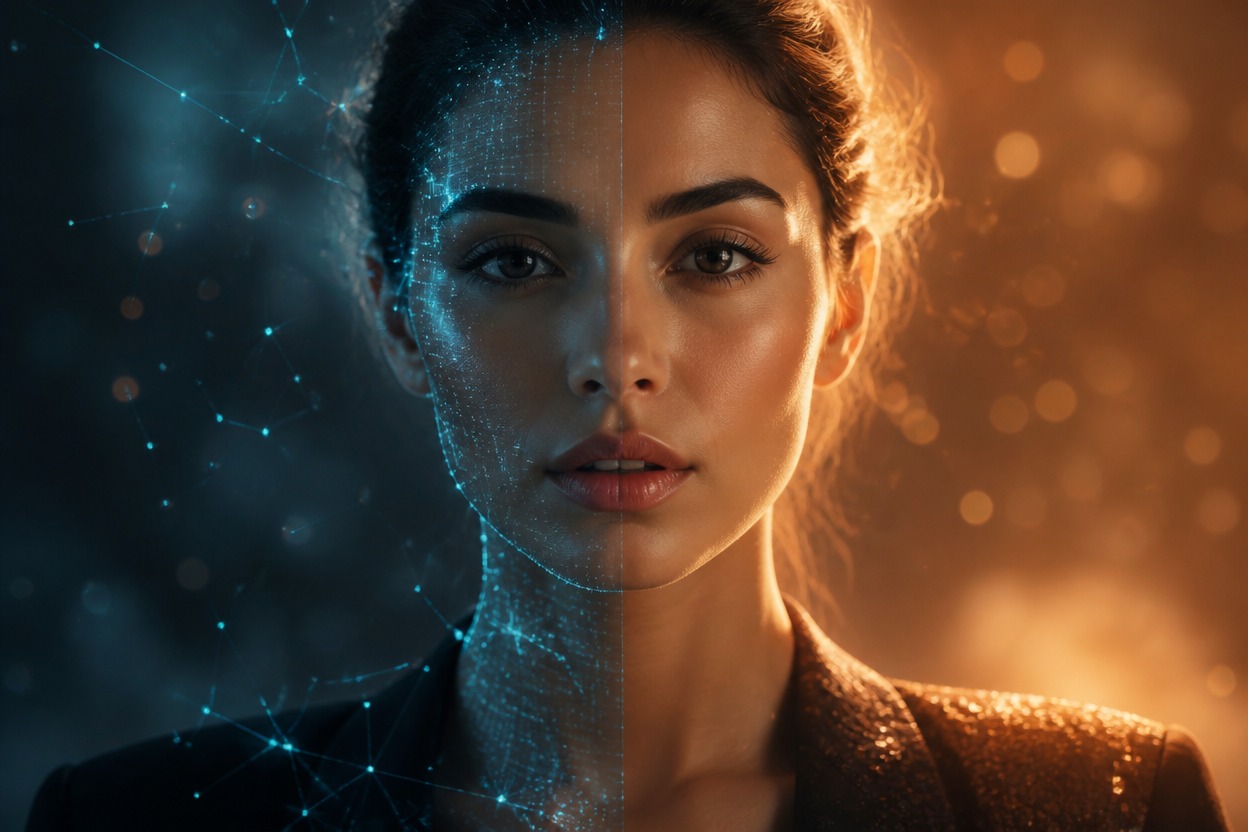
Reference-Image Editing
Add image_list with one to nine accessible image URLs to run image-to-image generation. When references are present, the documented ratio field is ignored.
Use only the documented request fields and validate them before submission.
Grok Image API Capabilities
Unified Image Endpoint
POST JSON to <code>https://api.goenhance.ai/api/v1/images/generations</code>.
Exact Model Selection
Set the required <code>model</code> value to <code>grok-image</code>.
Prompt Validation
Provide a required text prompt containing between 1 and 2,000 characters.
Optional Reference Images
Supply one to nine URL objects in <code>image_list</code> for image-to-image requests.
Text-Only Aspect Ratios
Choose 2:3, 3:2, 1:1, 9:16, or 16:9 when no reference list is supplied.
Async Result Handling
Store <code>img_uuid</code>, then poll job details or process HTTPS callback events.
The current GoEnhance documentation lists a fixed rate for each generated image.
Grok Image API Pricing
1.3 Tokens per Image
Each successful Grok Image generation is documented at 1.3 GoEnhance tokens.
$0.026 per Image
The documented USD equivalent is $0.026 for each generated image.
Handle Balance Responses
Check the JSON response code as well as HTTP status; insufficient tokens can return <code>code: 100</code>.
Integrate the Grok Image API in Four Steps
1
1. Create an API key
Create a GoEnhance key and send it in the
Authorization header from your server. 2
2. Build the request
POST
model: grok-image with a prompt. Add image_list for reference-guided editing, or choose a supported ratio for text-to-image. 3
3. Track the job and read the result
Read
data.img_uuid from a successful response and associate it with your own job record. Then poll GET /api/v1/jobs/detail or provide a public HTTPS custom_callback_url, handling processing, success, and failure as explicit states.Connect image generation and editing to products that already manage prompts, review, and delivery.
Developer Use Cases for Grok Image
Editorial Illustration
Generate original scene concepts from article briefs and route them into a review queue.
Campaign Creative Variants
Produce prompt-led visual directions in supported portrait, square, or landscape ratios.
Reference-Guided Restyling
Use approved source images to create controlled visual variations for later review.
Product Concept Art
Turn structured product descriptions and optional references into visual exploration assets.
Character and Environment Ideation
Create draft character, prop, and setting concepts from descriptive prompts.
Automated Creative Pipelines
Connect asynchronous jobs to callbacks, moderation, storage, approval, and downstream processing.
Answers to common pricing, input, ratio, and integration questions.