Grok Imagine 1.5 API for Reference Image-to-Video

Animate one to seven reference images with grok_imagine_1_5 through POST https://api.goenhance.ai/api/v1/videos/generations. Control duration, resolution, and aspect ratio, then track completion by job ID or callback.

Get an API Key
Cinematic reference-image-to-video scene with an origami fox in windblown grass

Build with the Grok Imagine 1.5 Video Route

Origami fox in a windy meadow suggesting reference-guided motion
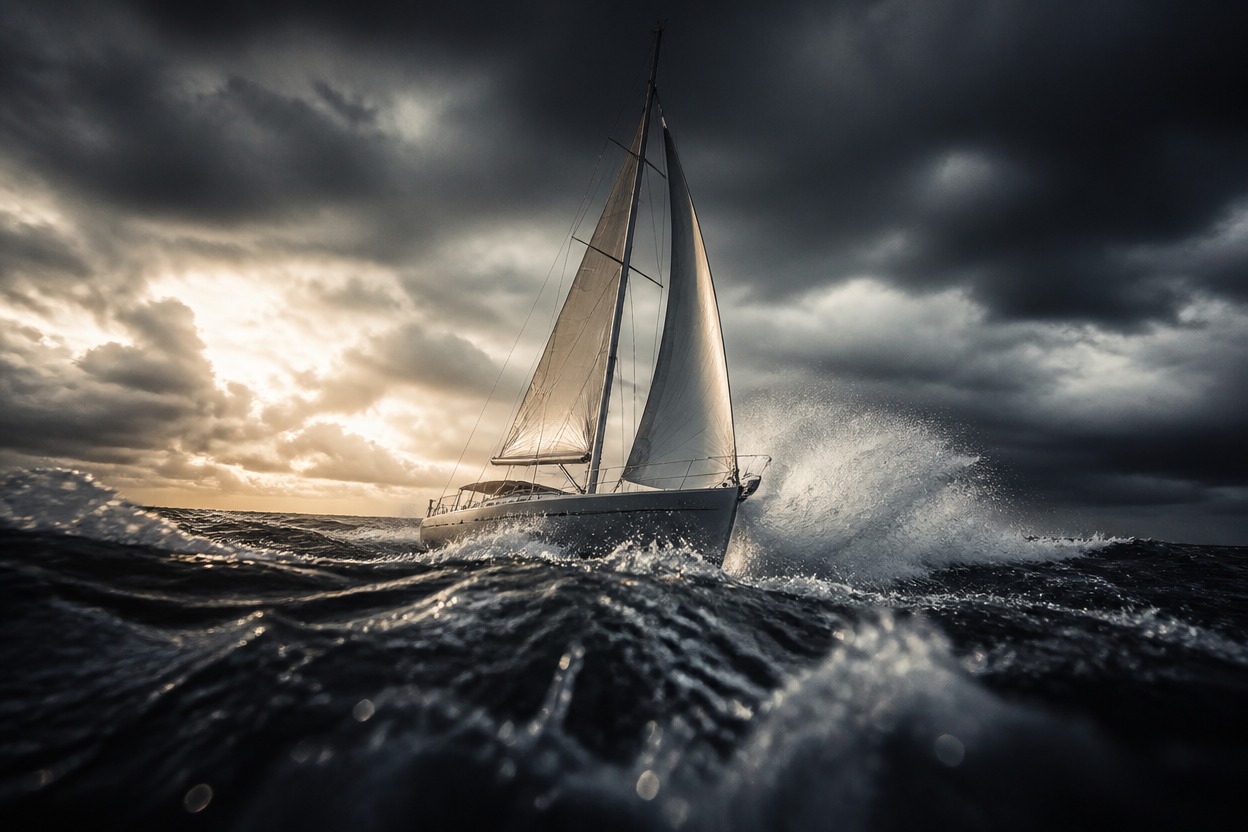
Cinematic sailboat in a storm illustrating controllable video framing
Validate required references, prompt length, duration, resolution, and ratio before submission.

Grok Imagine 1.5 API Capabilities

Exact model identifier

Set <code>model</code> to <code>grok_imagine_1_5</code>; preserve the underscores exactly.

Prompt required

Send a motion and scene prompt of up to 4,096 characters.

One to seven image references

The required <code>image_urls</code> array accepts 1–7 public image URLs.

Validated media inputs

Each reference may be JPEG, PNG, or WebP and can be up to 20 MB.

One to fifteen seconds

Choose an integer duration from 1 to 15 seconds. The documented default is 8 seconds.

Two output tiers

Select 480p or 720p. The documented default is 480p, with six supported ratio values including <code>auto</code>.
GoEnhance bills generated duration by resolution; verify live pricing before production deployment.

Grok Imagine 1.5 API Pricing

480p pricing

480p costs 0.52 tokens per generated second, equivalent to $0.0104 per second at $0.02 per token.

720p pricing

720p costs 0.975 tokens per generated second, equivalent to $0.0195 per second at $0.02 per token.

Calculate each request

Multiply the requested duration by the selected per-second rate. For example, 8 seconds costs 4.16 tokens at 480p or 7.8 tokens at 720p.

Integrate the Grok Imagine 1.5 API

1. Create and protect an API key
1

1. Create and protect an API key

Create a GoEnhance API key and send it from your server in the authorization header; never expose it in browser code.
2. Host validated references
2

2. Host validated references

Place 1–7 supported reference images at public URLs and verify format, size, and access before submission.
3. Build the request
3

3. Build the request

Set model, prompt, and image_urls; add explicit duration, resolution, ratio, and an optional HTTPS callback URL.
4. Submit and persist the job ID
4

4. Submit and persist the job ID

POST to /api/v1/videos/generations, check code, and store the returned img_uuid idempotently.
5. Poll or receive callbacks
5

5. Poll or receive callbacks

Poll GET /api/v1/jobs/detail, or accept status-change callbacks. Failed callback deliveries are documented to retry up to three times with a three-second timeout per attempt.
6. Handle terminal outcomes
6

6. Handle terminal outcomes

Persist the completed asset only after success, and surface failed or insufficient-token responses without treating them as usable video results.
Use reference-driven video generation where source consistency and API automation matter.

What Developers Build with Grok Imagine 1.5

Product motion clips

Animate approved product renders into short launch, catalog, or campaign footage.

Character performance tests

Explore movement and expression from consistent character reference art.

Storyboard previsualization

Turn key frames into motion studies for pacing, camera direction, and scene review.

Localized campaign variants

Reuse approved visual references while adapting prompts for regional creative briefs.

Social video production

Create vertical, square, or landscape motion assets for channel-specific placements.

Automated creative pipelines

Connect asset intake, request validation, job tracking, and delivery in a repeatable backend workflow.
Endpoints, required inputs, pricing, output controls, completion handling, and platform relationship.

Grok Imagine 1.5 API FAQ

Start Building with Grok Imagine 1.5