HappyHorse 1.1 Reference API

Generate reference-guided video through the independent GoEnhance API. Send 1–9 public image URLs, reference them as [Image 1], [Image 2], and so on in your prompt, then track the asynchronous task by img_uuid.

Get API Key
Creative team planning a reference-guided video production

Build a reference-to-video request

Director arranging visual reference photographs on a production table
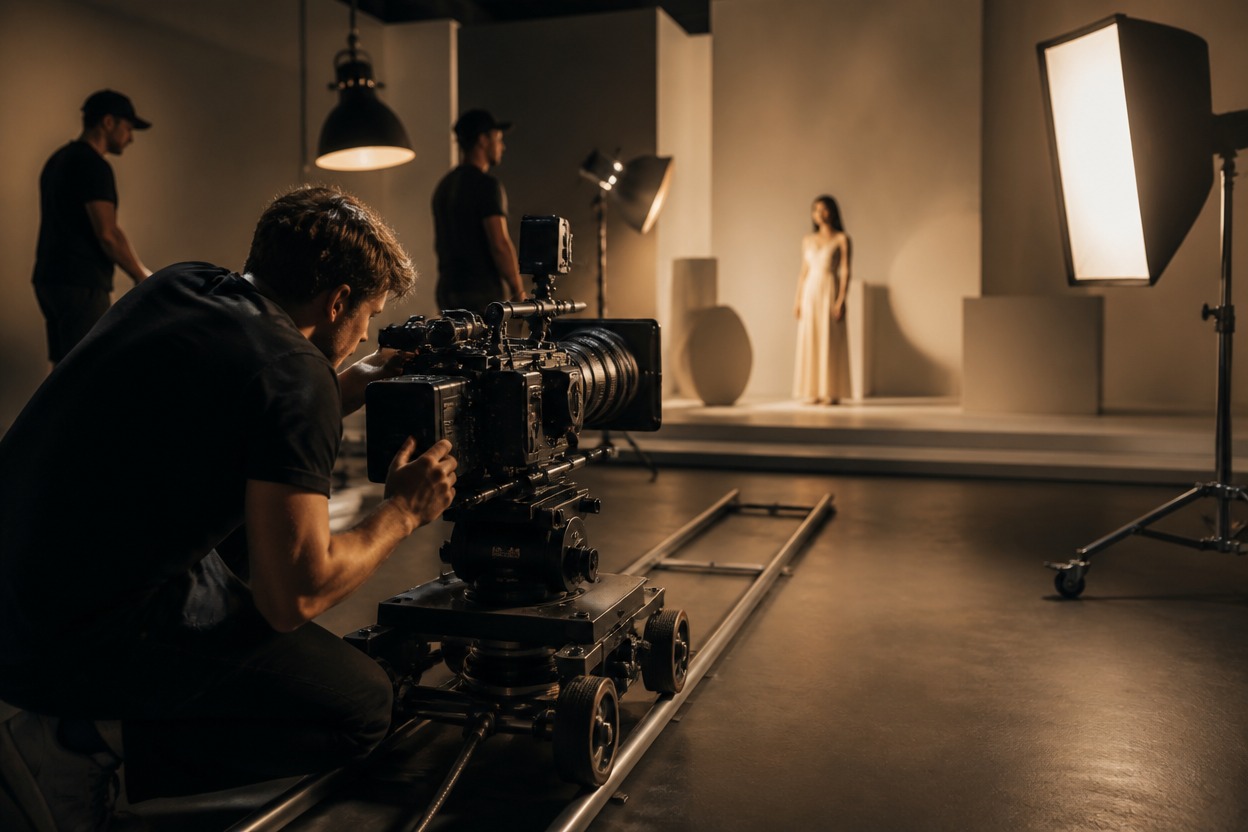
Film crew preparing a controlled set for reference-guided video
Validate every field before submitting a generation task.

HappyHorse 1.1 Reference API capabilities

Reference-only input mode

This route requires <code>image_urls</code> and does not support pure text-to-video generation.

1–9 reference images

Supply between one and nine public image URLs in the order used by your prompt.

Indexed prompt references

Refer to inputs explicitly as <code>[Image 1]</code>, <code>[Image 2]</code>, and so on.

Seven aspect ratios

Choose 16:9, 9:16, 3:4, 4:3, 4:5, 5:4, or 1:1. The default is 16:9.

3–15 second duration

Set an integer duration from 3 through 15 seconds. The documented default is 5 seconds.

720p or 1080p

Select 720p or 1080p output. The documented default is 720p.
Pricing is per generated second at the documented $0.02-per-token conversion.

HappyHorse 1.1 Reference API pricing

720p pricing

5.2 tokens per generated second, equal to $0.104 per second.

1080p pricing

7.2 tokens per generated second, equal to $0.144 per second.

Estimate each request

Multiply the selected per-second rate by duration. For example, 5 seconds at 720p uses 26 tokens.

Integrate the HappyHorse API in six steps

1. Create an API key
1

1. Create an API key

Create a GoEnhance key and send it as a bearer token in the Authorization header.
2. Host reference images
2

2. Host reference images

Provide 1–9 publicly reachable image URLs in the required array order.
3. Write an indexed prompt
3

3. Write an indexed prompt

Describe the motion and relationships while naming each input as [Image N].
4. Validate output settings
4

4. Validate output settings

Choose a supported ratio, a 3–15 second duration, and 720p or 1080p resolution.
5. Submit and persist the ID
5

5. Submit and persist the ID

POST the task and save the returned img_uuid before processing completion events.
6. Poll or receive callbacks
6

6. Poll or receive callbacks

Poll the job-detail endpoint or handle status changes at a public HTTPS callback URL.
Build repeatable video workflows around approved visual inputs.

HappyHorse reference API use cases

Character continuity

Use approved character references to guide identity and styling across a generated shot.

Product storytelling

Combine product, setting, and mood references in a prompt-directed video concept.

Campaign variants

Parameterize reference sets and prompts for creative variations while retaining one task handler.

Storyboard development

Turn visual boards and art-direction references into short motion concepts for review.

Localized creative

Swap approved regional references while preserving your validation and completion workflow.

Previsualization

Explore interactions among multiple referenced subjects before committing to full production.
Answers to common input, pricing, and asynchronous integration questions.

HappyHorse 1.1 Reference API FAQ

Start building with the HappyHorse 1.1 Reference API