Kling 2.6 Motion Control API for Character-Driven Video

Access Kling 2.6 Motion Control through GoEnhance with one character appearance image and one motion reference video. Submit model: kling-v2-6-motion, save the returned img_uuid, then poll or use a callback for asynchronous completion.

Get API Key
Cinematic movement through a natural river valley for Kling 2.6 Motion Control API

Pair appearance with continuous motion

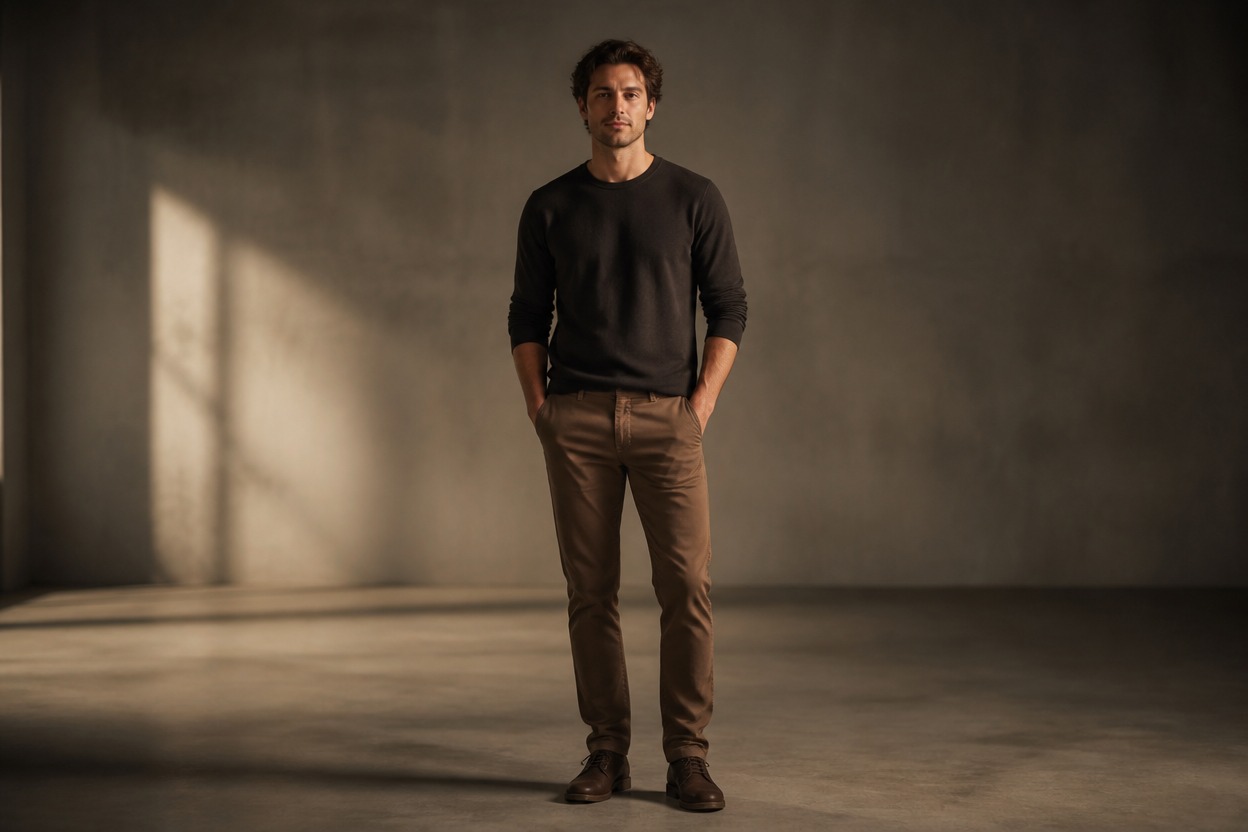
Single character appearance reference prepared for motion-controlled video
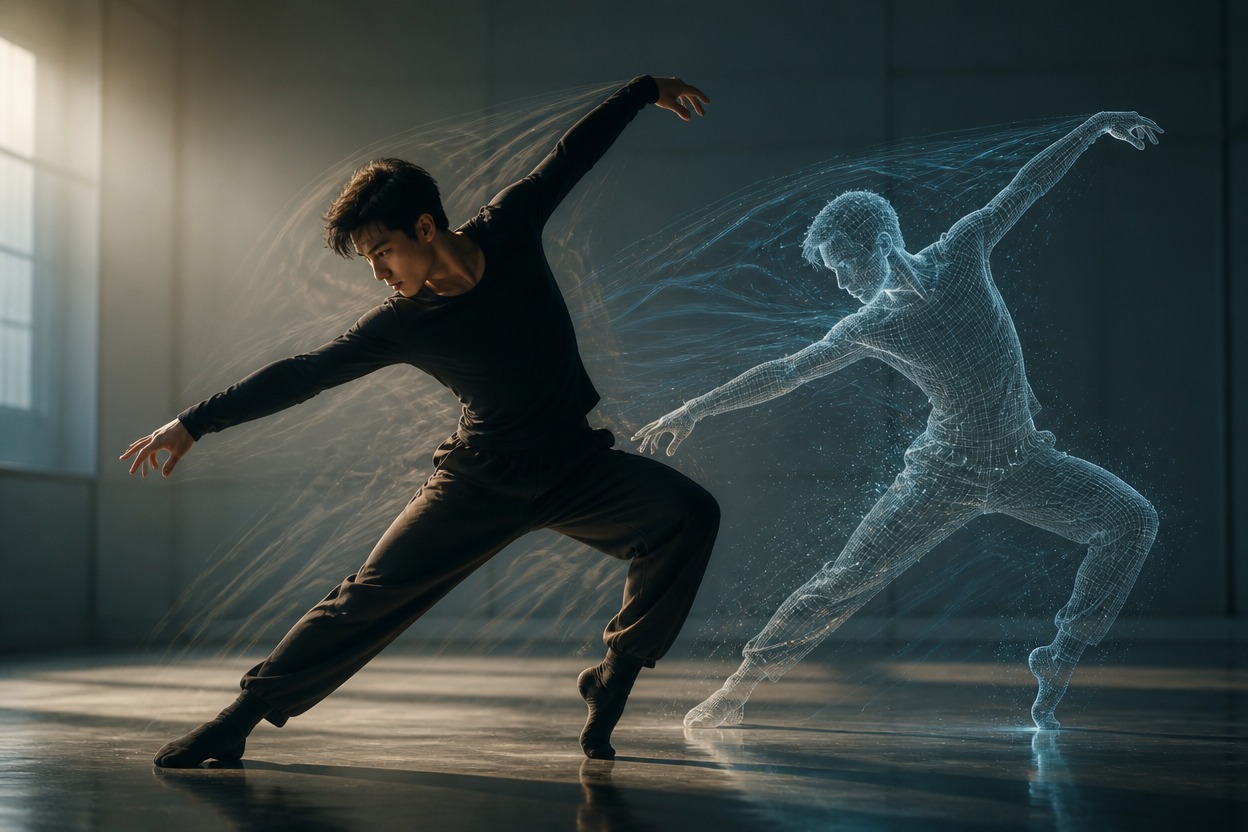
Performer demonstrating continuous movement in one unbranded studio scene
Validate both reference files before submission and omit unsupported duration or 4K fields.

Kling 2.6 Motion Control API capabilities

Exact model ID

POST to <code>https://api.goenhance.ai/api/v1/videos/generations</code> with <code>model</code> set to <code>kling-v2-6-motion</code>.

Required prompt

Describe appearance details or wardrobe in a required prompt of up to 2,500 characters.

Appearance image

Use one required <code>image_url</code>; Kling 2.6 Motion Control does not accept the 3.0 model's element-based appearance input.

Motion video

Use one required MP4 or MOV up to 100MB, with dimensions from 340px to 3,850px and continuous usable motion.

Orientation limits

<code>video</code> is the default and accepts 3–30 seconds. <code>image</code> follows the appearance image's facing and accepts 3–10 seconds.

Resolution and sound

Choose 720p or 1080p; there is no 4K tier. <code>generate_audio</code> can keep the motion video's original soundtrack but does not generate native audio.
Estimate the maximum request cost as measured motion-video seconds multiplied by the exact resolution rate.

Kling 2.6 Motion Control API pricing

720p pricing

3.5 tokens per generated second, equal to $0.07 per second at the documented $0.02-per-token conversion.

1080p pricing

5.6 tokens per generated second, equal to $0.112 per second at the documented $0.02-per-token conversion.

Measured-duration billing

GoEnhance first copies and measures <code>video_url</code>, then charges that measured input duration as an upper bound. Kling bills the generated output length, which may be shorter when motion cannot be continuously extracted.

Integrate motion control in six steps

1. Create an API key
1

1. Create an API key

Create a GoEnhance API key and send it with your authenticated request.
2. Validate the appearance image
2

2. Validate the appearance image

Check format, file size, pixel dimensions, aspect ratio, visibility, and unobstructed head and body framing.
3. Validate the motion video
3

3. Validate the motion video

Check MP4 or MOV format, the 100MB limit, pixel range, and the 3–30s or 3–10s orientation-specific duration.
4. Submit the generation
4

4. Submit the generation

POST the model ID, prompt, image_url, video_url, orientation, resolution, and optional callback URL.
5. Persist the task ID
5

5. Persist the task ID

Store data.img_uuid from the accepted response and use it as the durable job identifier.
6. Track terminal status
6

6. Track terminal status

Poll GET /api/v1/jobs/detail or handle callback updates for processing, success, and failure idempotently.
Use only appearance and motion assets you are authorized to process, especially when preserving source audio.

Developer use cases for motion-controlled video

Character performance pipelines

Apply approved motion references to a consistent character image for reviewable short-form video production.

Dance and choreography concepts

Prototype movement-led clips from licensed or original motion footage while preserving application-level review gates.

Product mascot animation

Animate a clearly framed mascot or spokesperson image from a controlled motion reference for campaign variants.
Practical answers about pricing, required inputs, duration, sound, callbacks, and Kuaishou API intent.

Kling 2.6 Motion Control API FAQ

Build with the Kling 2.6 Motion Control API