GPT Image 2.5 Flare API for Batch Image Generation

GPT Image 2.5 Flare is the speed-tuned variant of OpenAI's GPT Image 2.5 for everyday batch work. Send a prompt to POST /api/v1/images/generations with model: gpt-image-2-5-flare for text to image, or add image_list to edit up to 16 reference images. Pick a resolution tier and a quality level, and read the finished image from the job by its img_uuid.

Get API Key
Rows of product prints sliding off a large-format printer in a bright studio

Built for Volume, Tunable per Request

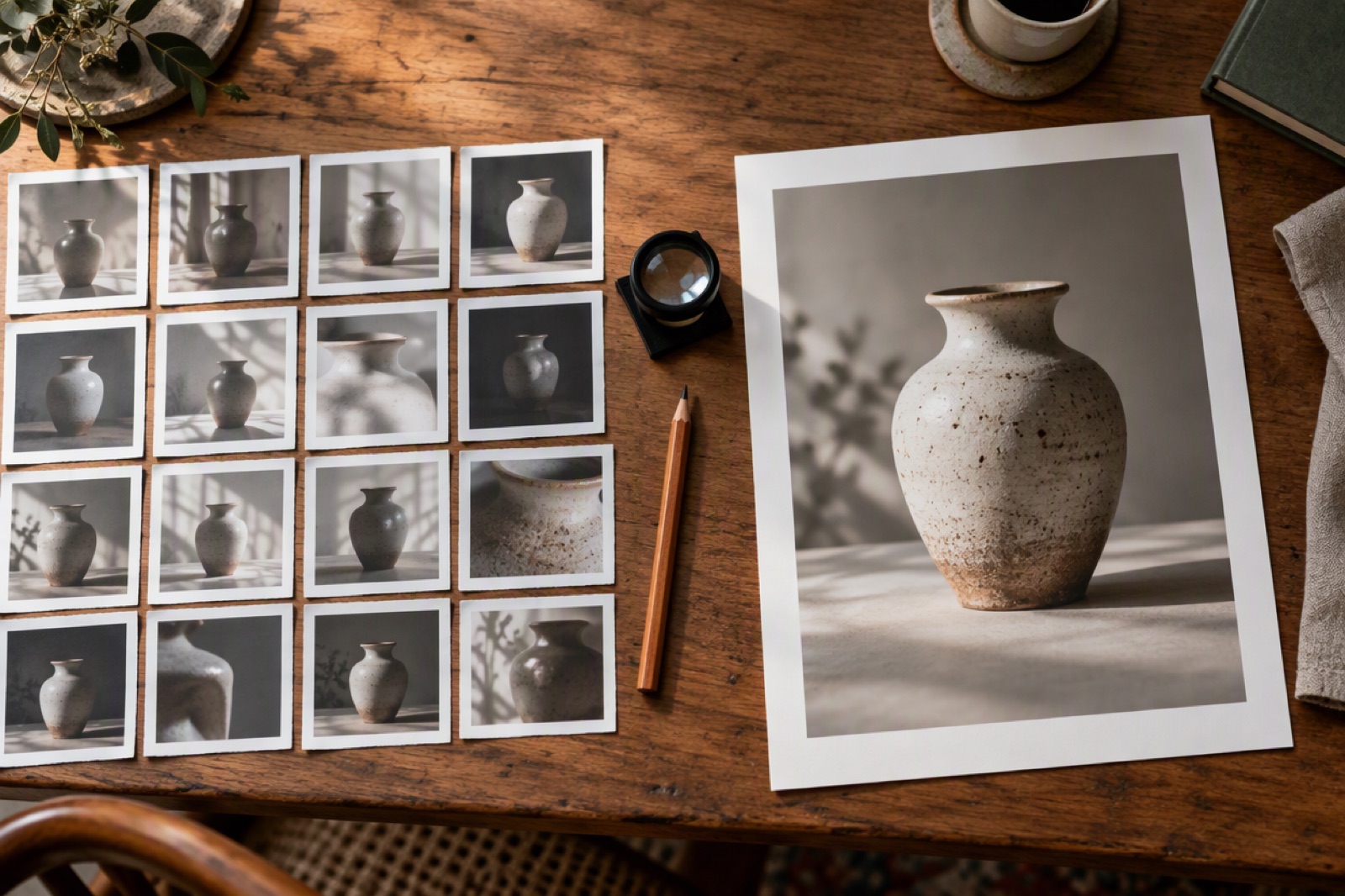
Contact sheet of small thumbnail photos next to one large framed print
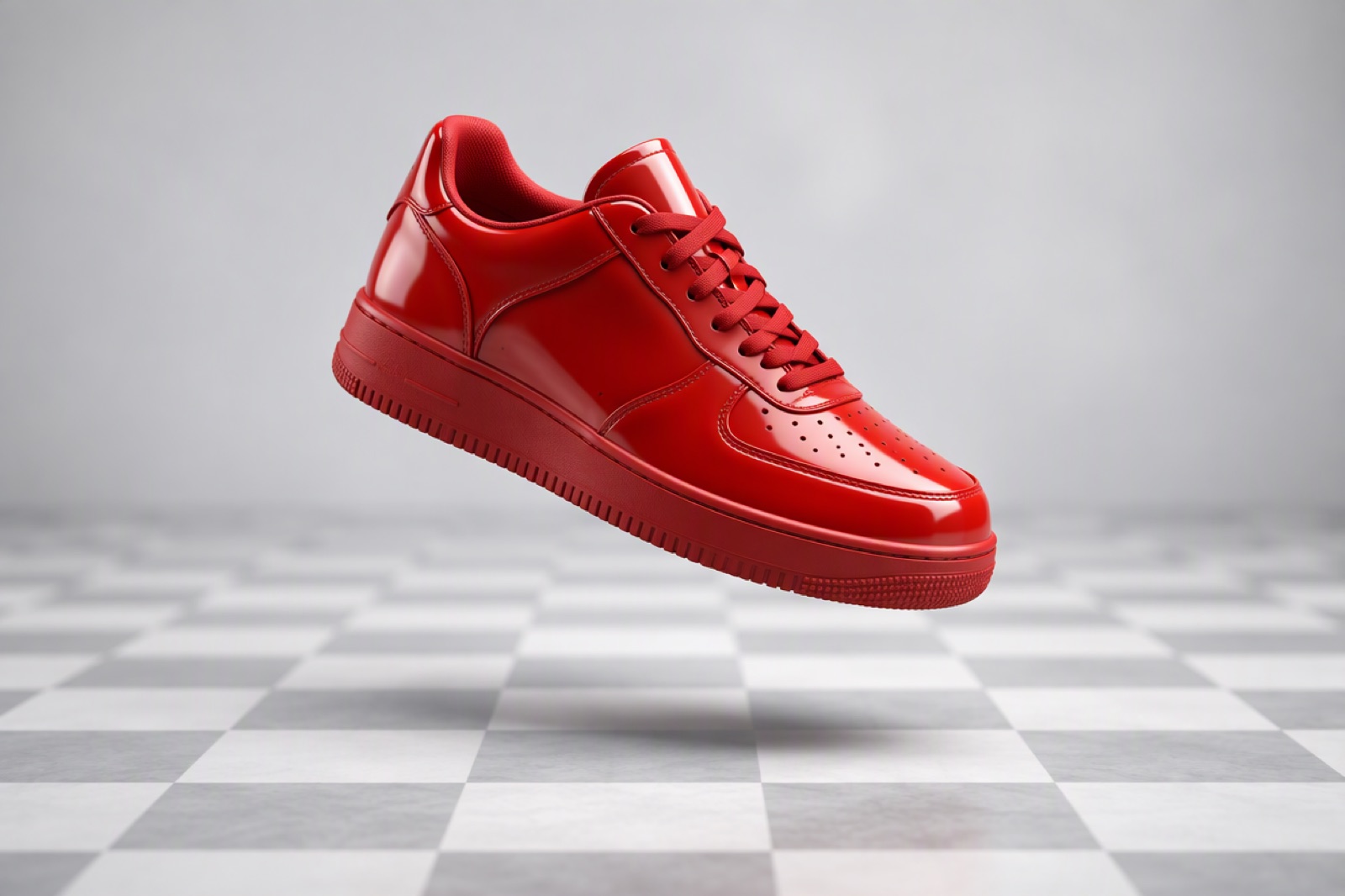
A single glossy red sneaker floating above a checkered transparent-style backdrop
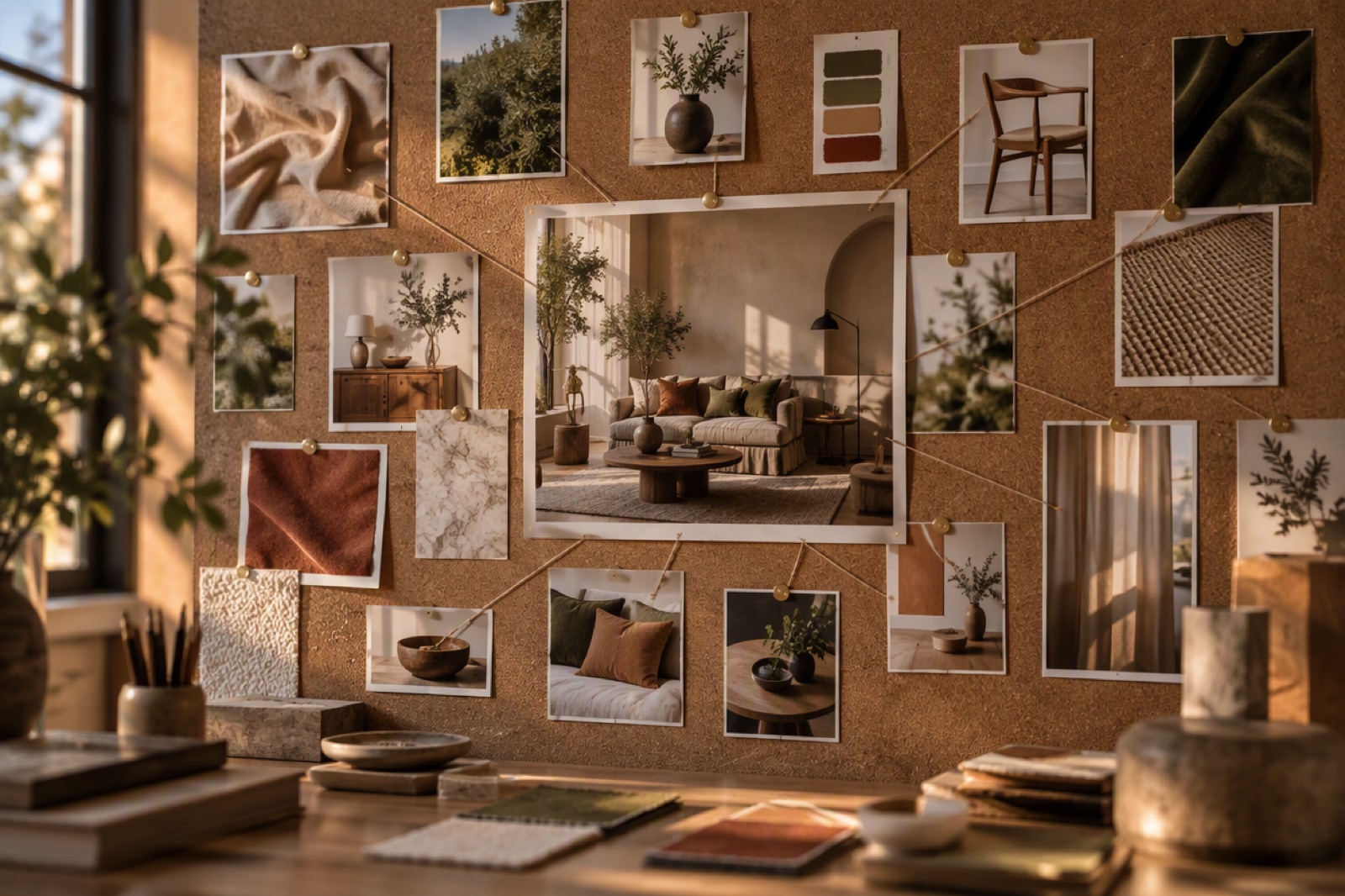
Several printed reference photos pinned to a board around one finished composite image
Only model and prompt are required; everything else has a documented default.

GPT Image 2.5 Flare Request Fields and Limits

model and prompt (required)

<code>model</code> is <code>gpt-image-2-5-flare</code>. <code>prompt</code> takes 1 to 32,000 characters; keeping it under roughly 8,000 tokens gives the best results.

ratio

<code>auto</code> (default), <code>1:1</code>, <code>1:2</code>, <code>2:1</code>, <code>1:3</code>, <code>3:1</code>, <code>2:3</code>, <code>3:2</code>, <code>3:4</code>, <code>4:3</code>, <code>4:5</code>, <code>5:4</code>, <code>9:16</code>, <code>16:9</code>, <code>9:21</code> or <code>21:9</code>. <code>auto</code> follows the reference image when one is supplied.

image_size and quality

<code>image_size</code>: <code>1k</code> (default), <code>2k</code>, <code>4k</code>. <code>quality</code>: <code>low</code> (default), <code>medium</code>, <code>high</code>, <code>xhigh</code>, <code>max</code>. Together they decide the price.

background

<code>opaque</code> (default) or <code>transparent</code> for a PNG with an alpha channel. Does not change the price.

image_list

Optional reference images to edit, 1 to 16 objects of the form <code>{"url": "https://…"}</code>, each under 50 MB.

custom_callback_url

Optional public HTTPS URL. GoEnhance POSTs the job-detail body to it on each status change, retrying up to 3 times with a 3-second timeout.
Per image, set by quality and resolution tier. Reference images and transparency add nothing.

GPT Image 2.5 Flare API Pricing

low: from 0.32 token ($0.0064)

1k 0.32 token ($0.0064), 2k 0.64 token ($0.0128), 4k 1.07 tokens ($0.0214) per image. This is the default tier.

medium: from 0.71 token ($0.0142)

1k 0.71 token ($0.0142), 2k 1.45 tokens ($0.029), 4k 2.4 tokens ($0.048) per image.

high: from 2.84 tokens ($0.0568)

1k 2.84 tokens ($0.0568), 2k 5.78 tokens ($0.1156), 4k 9.61 tokens ($0.1922) per image.

xhigh: from 5.06 tokens ($0.1012)

1k 5.06 tokens ($0.1012), 2k 10.28 tokens ($0.2056), 4k 17.08 tokens ($0.3416) per image.

max: from 11.38 tokens ($0.2276)

1k 11.38 tokens ($0.2276), 2k 23.12 tokens ($0.4624), 4k 38.42 tokens ($0.7684) per image.

Charged on acceptance, refunded on failure

The submit response returns the charged <code>cost</code>. If the job ends in failure, the tokens are returned automatically.

Integrate the GPT Image 2.5 Flare API

1. Create an API key
1

1. Create an API key

Generate a key at /keys and send it as Authorization: Bearer <key> from your server.
2. Choose the tier
2

2. Choose the tier

Set image_size and quality for the job; start at 1k and low while testing prompts, and add background: transparent for cut-outs.
3. Submit and store img_uuid
3

3. Submit and store img_uuid

POST {"model": "gpt-image-2-5-flare", "prompt": "…"} to /api/v1/images/generations, plus image_list when editing, and save the returned img_uuid.
4. Collect the image
4

4. Collect the image

Poll GET /api/v1/jobs/detail or wait for your callback. On success, download the image from json[0].value within 24 hours, before link_expired_at.
Workloads where many images are needed and the tier can be chosen per job.

What Developers Build with GPT Image 2.5 Flare

Catalog and listing imagery

Generate product shots and transparent cut-outs for marketplace listings, with low-tier drafts reviewed before higher-tier finals.

Ad and social variants

Produce the same concept across many aspect ratios, from 9:16 stories to 21:9 banners, by changing only <code>ratio</code>.

Reference-based edits

Restyle, recolor or recompose existing photos by sending them in <code>image_list</code> with an edit instruction.

In-app generation features

Offer image generation inside your own product and expose quality levels to users as price tiers.
Endpoint, tiers, editing and results.

GPT Image 2.5 Flare API FAQ

Start Building with the GPT Image 2.5 Flare API