
img_uuid, then poll or use an HTTPS callback for the enhanced image.SeedVR2 API for Image Enhancement
Access SeedVR2 through the independent GoEnhance Open API. Submit one public image URL, select 1080p, 2K, or 4K output, receive an
Create an API Key
SeedVR2 API Capabilities
One Image, Three Output Tiers
Provide one accessible image_url and choose 1080p, 2k, or 4k. The default is 1080p.
Asynchronous Task Handling
A successful submission returns img_uuid. Store it with your own job record and retrieve the terminal result through polling or callbacks.

Built for Server-Side Pipelines
Keep bearer credentials on the server, validate source URLs before submission, and make downstream result processing idempotent.

Validate the source URL and output tier before creating an asynchronous enhancement task.
SeedVR2 Request Fields and Limits
Required image URL
Pass a non-empty public URI in <code>image_url</code>. Make sure GoEnhance can fetch it without cookies or private-network access.
Target resolution
Set <code>resolution</code> to <code>1080p</code>, <code>2k</code>, or <code>4k</code>. If omitted, the documented default is <code>1080p</code>.
Bearer authentication
Send your GoEnhance API key in the <code>Authorization</code> header and never expose it in browser code, URLs, or logs.
Optional callback
Provide a publicly reachable HTTPS <code>custom_callback_url</code> to receive processing, success, and failed state updates.
Task identifier
Persist the returned <code>img_uuid</code>; the initial response confirms task creation, not that the output is ready.
Flat per-image pricing varies by target output resolution.
SeedVR2 API Pricing
1080p: 0.5 token ($0.01)
The GoEnhance reference lists a flat 0.5 token charge per image at 1080p, using the documented $0.02 token value.
2K: 1 token ($0.02)
A 2K SeedVR2 enhancement is listed at 1 token, equal to $0.02 per image.
4K: 2 tokens ($0.04)
A 4K SeedVR2 enhancement is listed at 2 tokens, equal to $0.04 per image.
Check live billing before scale
Pricing and account terms can change. Confirm the current GoEnhance billing page before large production batches.
Integrate the SeedVR2 API
1
1. Create and protect an API key
Create a key at /keys, store it in server-side secrets, and send it as a bearer credential.
2
2. Validate the source image
Confirm that
image_url is a stable public URI and that the source is suitable for restoration. SeedVR2 can over-sharpen lightly degraded inputs, so review outputs for your use case. 3
3. Choose the output tier
Select
1080p, 2k, or 4k according to delivery requirements and per-image cost. 4
4. Submit and persist img_uuid
POST to
https://api.goenhance.ai/api/v1/seedvr2 and save the returned img_uuid with your internal job state. 5
5. Poll or process callbacks
Poll
GET https://api.goenhance.ai/api/v1/jobs/detail?img_uuid=..., or receive state changes at your HTTPS callback. Handle repeated notifications idempotently.Use the API as one reviewable stage in a larger media pipeline rather than treating enhancement as automatically lossless.
What Developers Build with SeedVR2
Archive and catalog cleanup
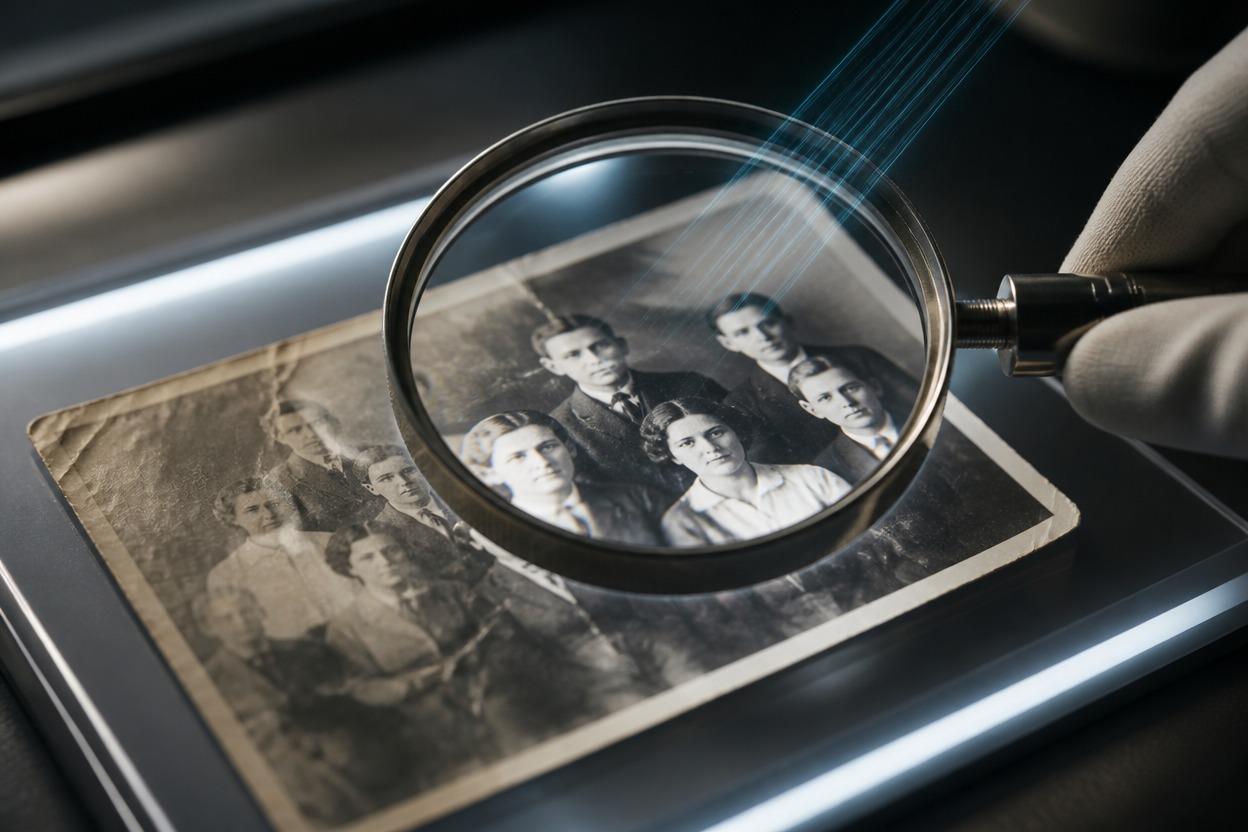
Enhance scanned photographs and legacy catalog imagery before human review and digital delivery.
E-commerce asset preparation
Standardize approved product images into higher-resolution delivery tiers for storefront and campaign workflows.
Creative production pipelines
Add an asynchronous enhancement stage between asset intake, review, storage, and channel-specific export.
AIGC output refinement
Process selected generated images when added detail or a larger delivery size is needed, while checking for over-sharpening or invented detail.
Endpoint, pricing, inputs, task handling, limitations, and platform relationship.